Projectwebwave-terminalopen-sourceEnglishTürkçe
FreeWebWatch: a web clock you design yourself
I wanted a good looking clock in a Wave Terminal block. The online clocks I found were plain, ugly, or charged money for basic customization. So I made my own, with a visual editor, and made it free.

4 min read
A web clock you design yourself
I wanted a good looking clock in a Wave Terminal block. The online clocks I found were plain, ugly, or charged money for basic customization. So I made my own, with a visual editor, and made it free.
The short version and all the links
- FreeWebWatch is a web clock with a drag and drop theme editor: digital and analog clocks, dates, text with live tokens, shapes and images, each clock in its own time zone.
- 1800+ free fonts from Fontsource, plus effects like glow, glare and gradients, and post processing like Matrix rain, bloom, scanlines and a CRT curve.
- Seven presets to start from: Classic, Matrix, Neon, Paper, Analog, Retro CRT and World Clocks.
- Export to a Wave Terminal widget, a single offline HTML file with the fonts inside, an iframe, a one line script, a share link or JSON.
- Free and open source (MIT). The whole app is one
index.htmlwith no build step. The editor's interface is in Turkish for now.
- Websitefreewebwatch.vercel.app
- SourceGitHub repo
- LicenseMIT
- Wavewaveterm.dev
- Fontsfontsource.org
- ClockClock view
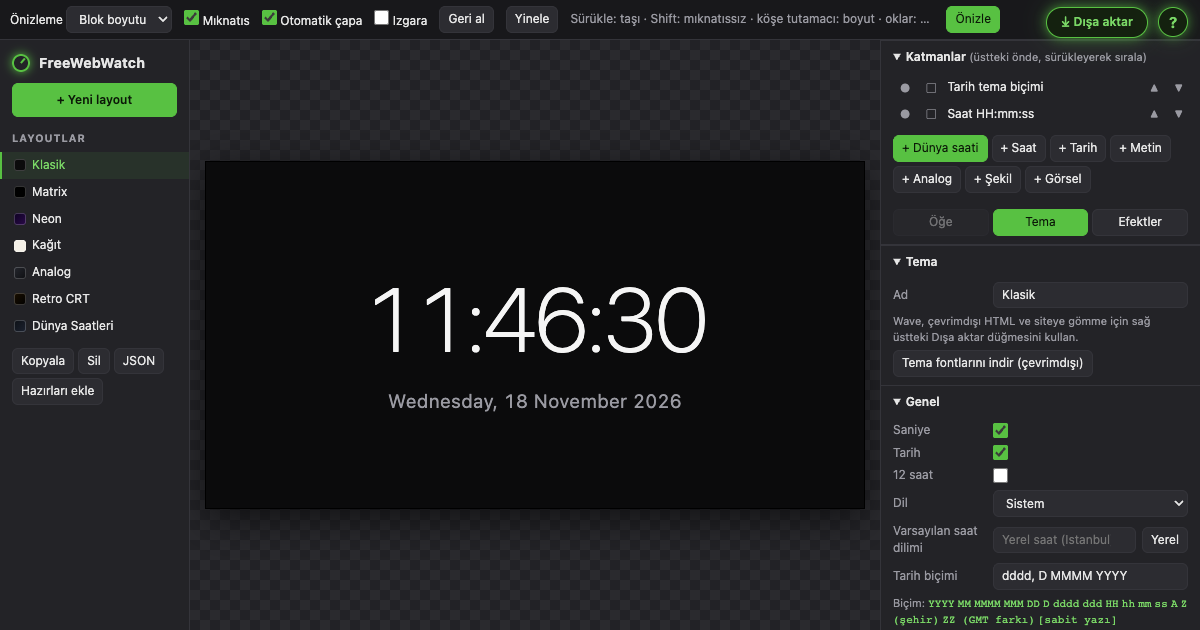
Why a clock
I spend my day in Wave Terminal, and Wave can show any web page as a block. A clock is the obvious thing to put there. Every one I tried was either low quality, tasteless, or put fonts and colors behind a payment. So I built one where every part of the look can be changed, and kept it free.
The editor
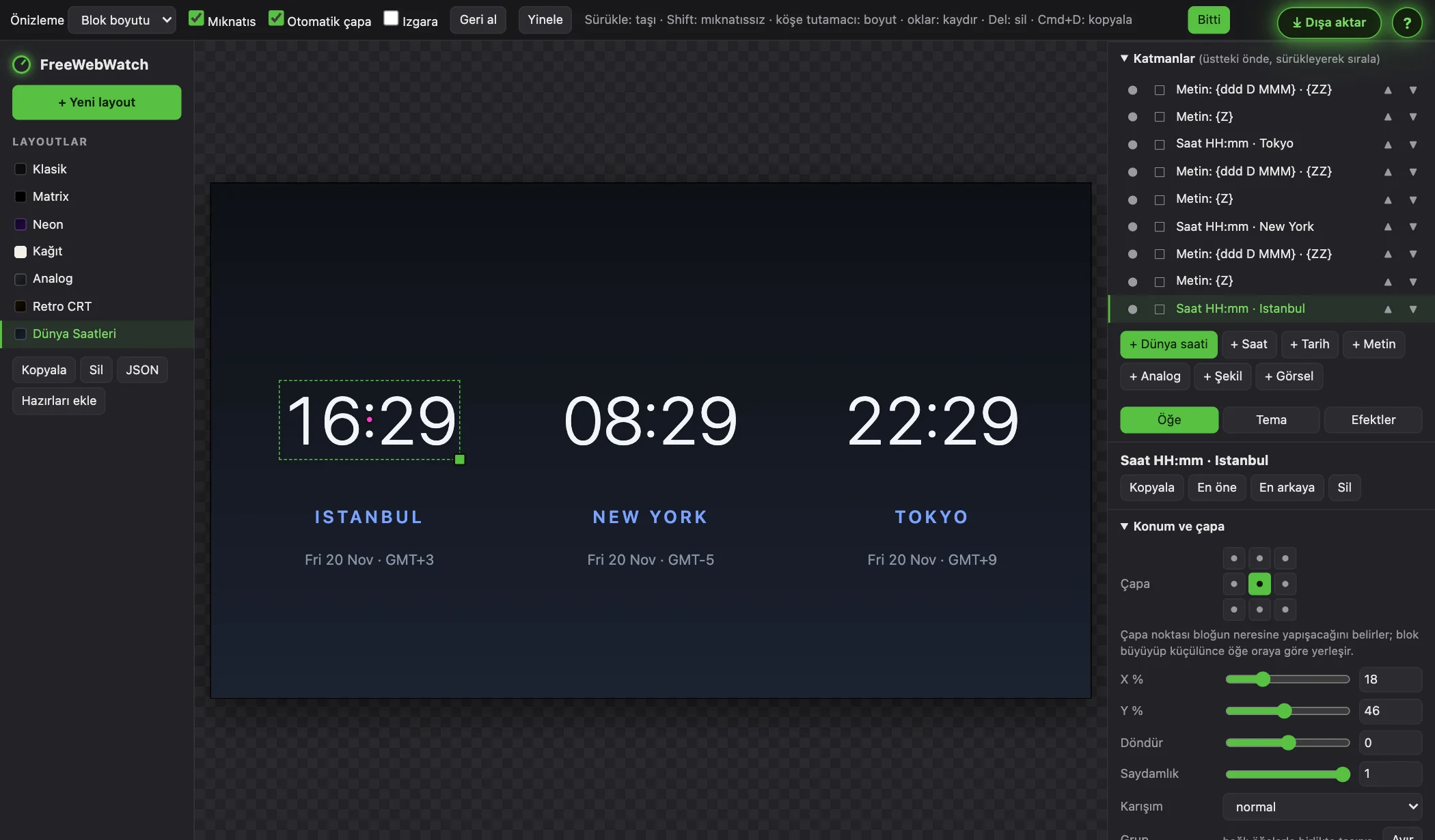
A clock is a scene of elements: a digital clock, a date, text with live tokens like {HH:mm} or {Z} for the time zone name, an analog dial, shapes with frosted glass, and images. You drag them around, resize them from a corner and they snap to guides. Each element anchors to one of nine points, and positions and sizes are relative to the block, so a layout stays right at any block size or aspect ratio. Auto fit keeps text inside its box.
Every clock can have its own time zone, so one scene can show Istanbul, New York and Tokyo side by side. Colors come from a color wheel with alpha, an eyedropper where the browser has one, and a row of recent colors.
Fonts come from Fontsource, which includes Google Fonts: more than 1800 free families. The picker previews a font on hover without downloading it, and a theme's fonts can be downloaded for offline use.
Effects
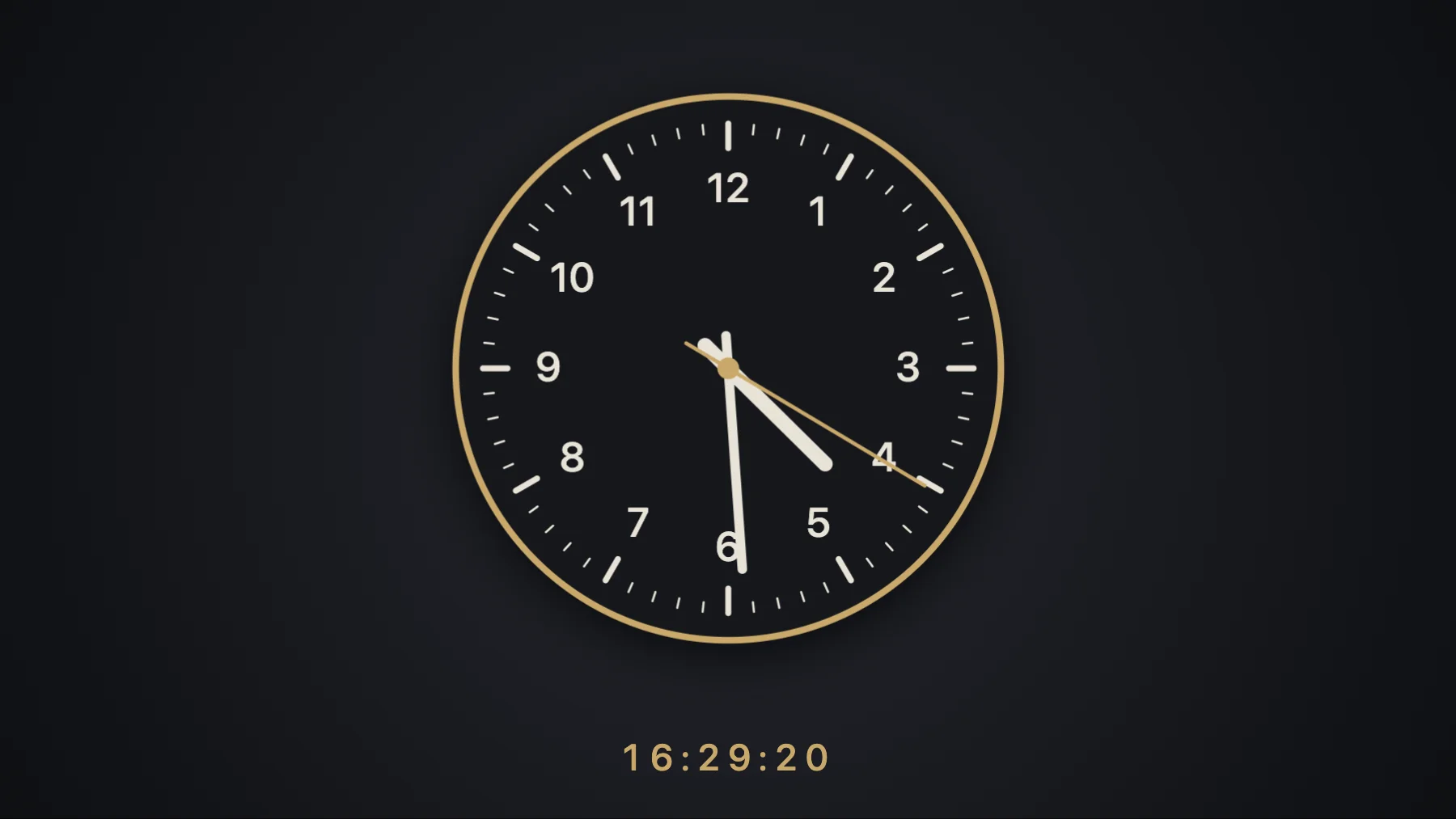
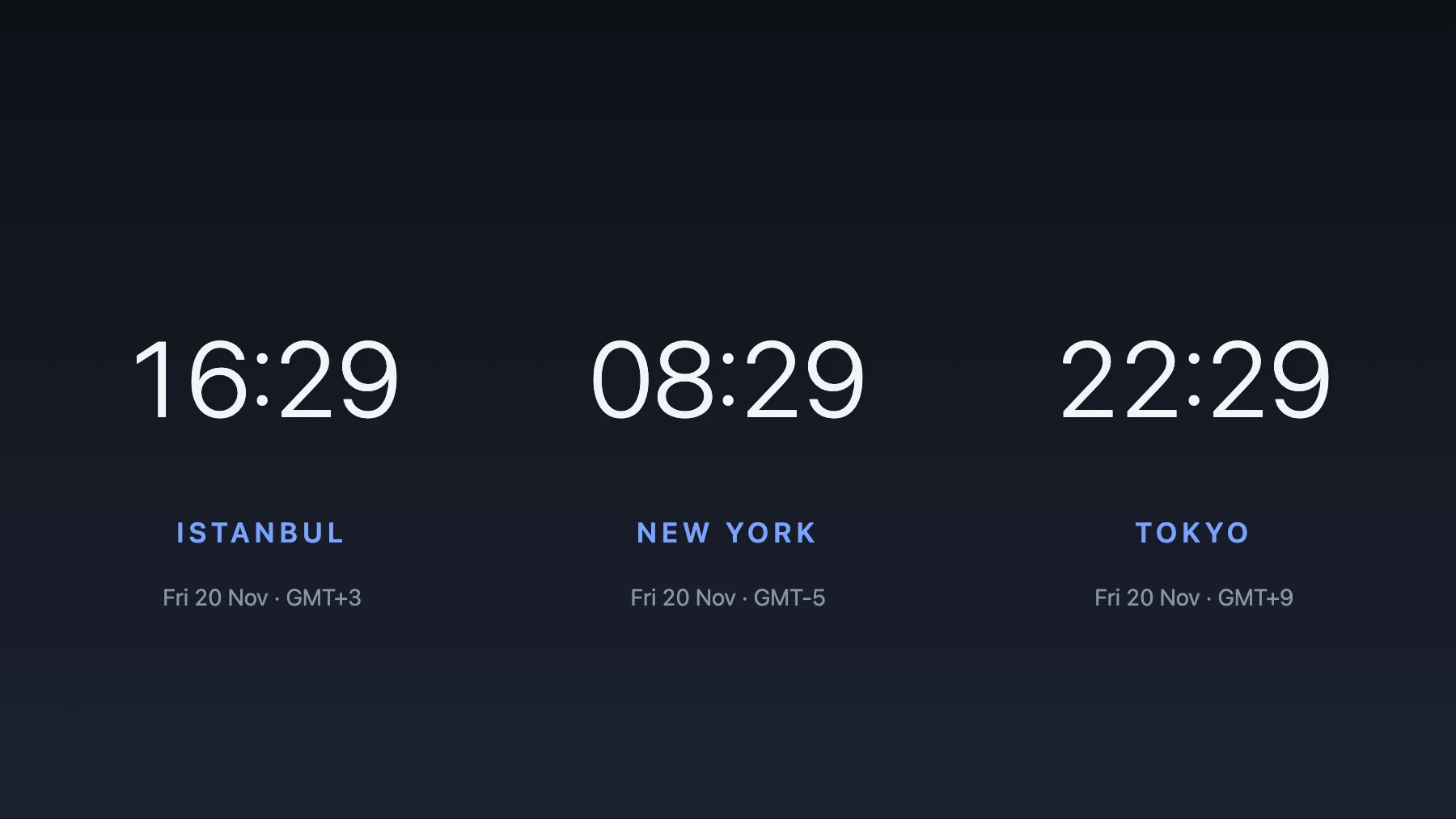
Each element can have glow, shadow, a glare that sweeps across it, gradients, an outline and a blend mode, and elements stack in layers. On top of the whole scene there is post processing: Matrix rain, bloom, scanlines, grain, vignette, chromatic aberration, a CRT curve with flicker, and color grading. The presets are there to show what these do: Classic, Matrix, Neon, Paper, Analog, Retro CRT and World Clocks. Start from one and change it, or start from an empty layout.
Getting it out of the editor
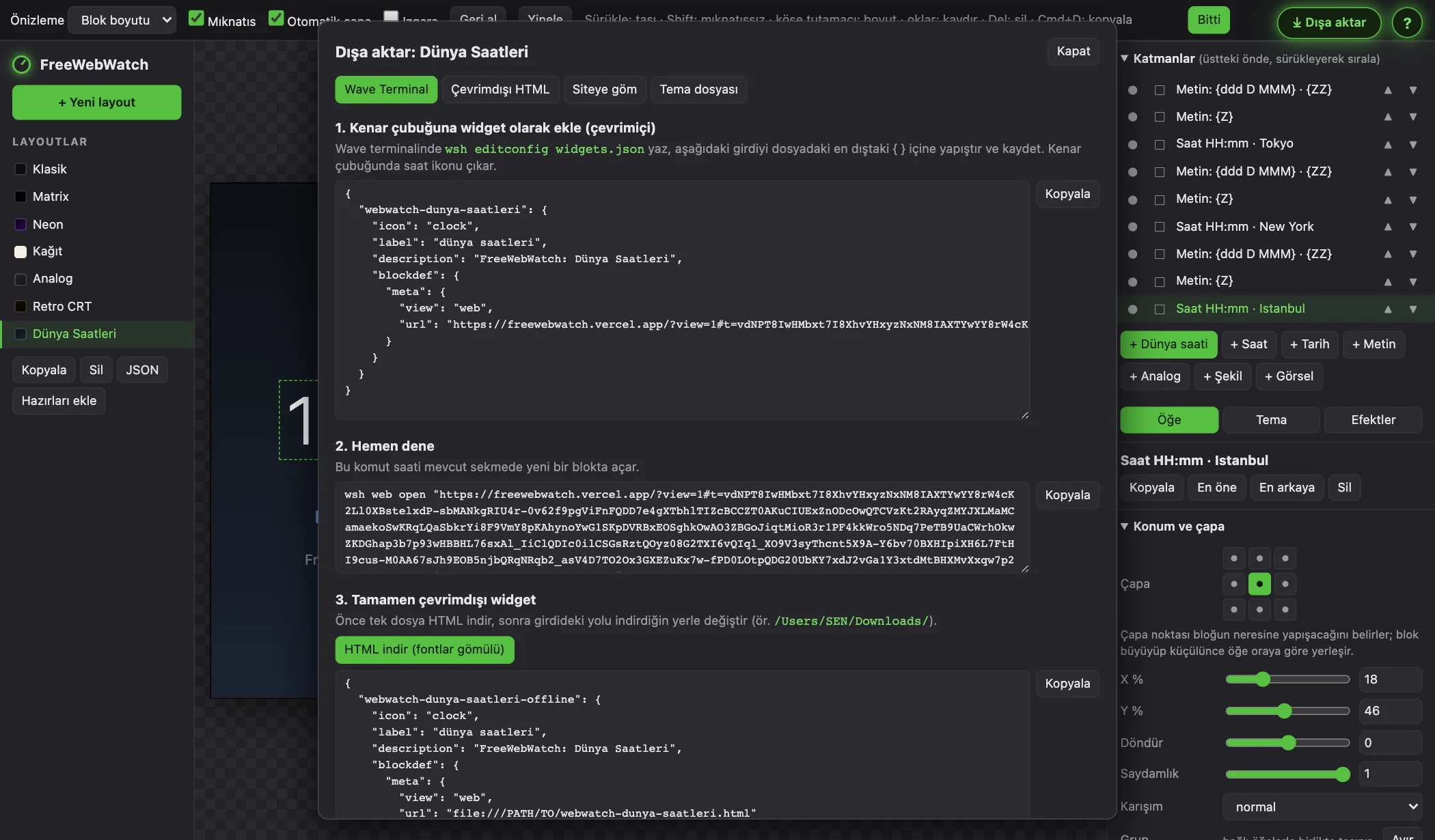
The Export button is where a theme leaves the editor:
- Wave Terminal: an entry to paste into
widgets.json(runwsh editconfig widgets.jsonin Wave), and the clock shows up as a widget in the sidebar. - Offline HTML: one file with the theme and its fonts embedded. It needs no internet, so it also works as a fully offline Wave widget through a
file://path. - Embed: an iframe, or a one line script for any website.
- Share link: the theme compressed with deflate into the link itself, after
#t=. Whoever opens it edits their own copy. - JSON: for backups and moving themes between devices.
<script src="https://freewebwatch.vercel.app/embed.js"
data-theme="THEME_CODE" data-ratio="16/9"></script>The script just inserts an iframe with the bare clock. The same page has four modes picked by the URL: ?view=1 is the clock with a small bar that shows on hover, ?embed=1 is the clock alone, ?edit=1 opens the editor, and #t=CODE loads a theme. In clock view a few keys work: e opens the editor, s toggles seconds, d the date and t moves to the next theme.
If you sync Wave between computers with WavySync, the clock widget comes along with the rest of the sidebar.
One file, no build
The whole app is a single index.html: no framework, no bundler, no build step. Themes are saved in the browser's local storage, and a clock open in another tab picks up each edit a moment after you make it. The screenshots here are rendered from that same file, offline.
There is one test, node test/check.js. It runs in a headless browser with all network calls mocked, switches through every preset at five different block sizes, from a wide strip to a small square, and fails if any element ends up outside the block. Then it checks the Matrix canvas actually draws, the seconds, date and 12 hour toggles, and the editor.
The editor's labels are in Turkish for now. The clock itself formats dates in whatever language you pick in its settings.
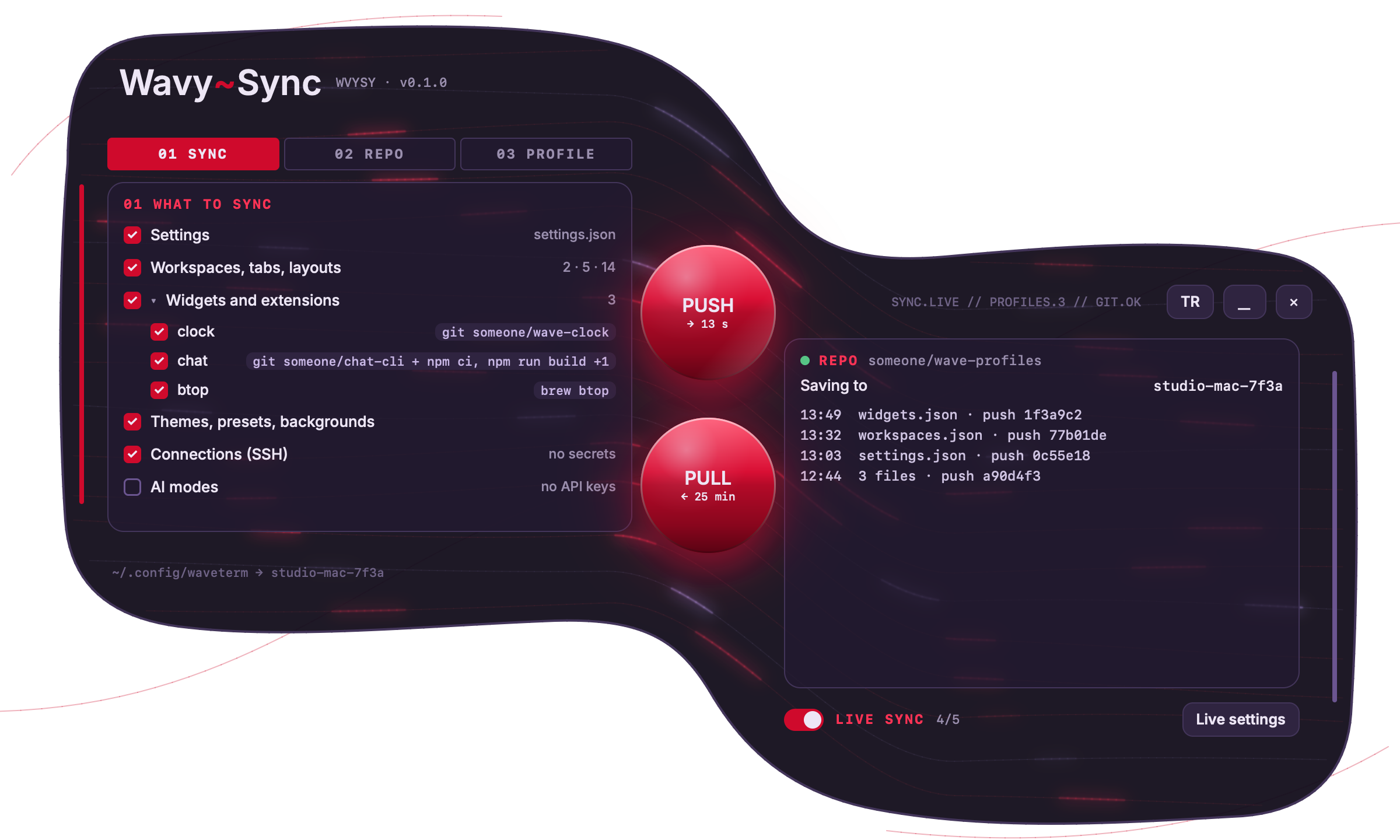 Project · Nov 20, 2026WavySync: my Wave Terminal, on every computer
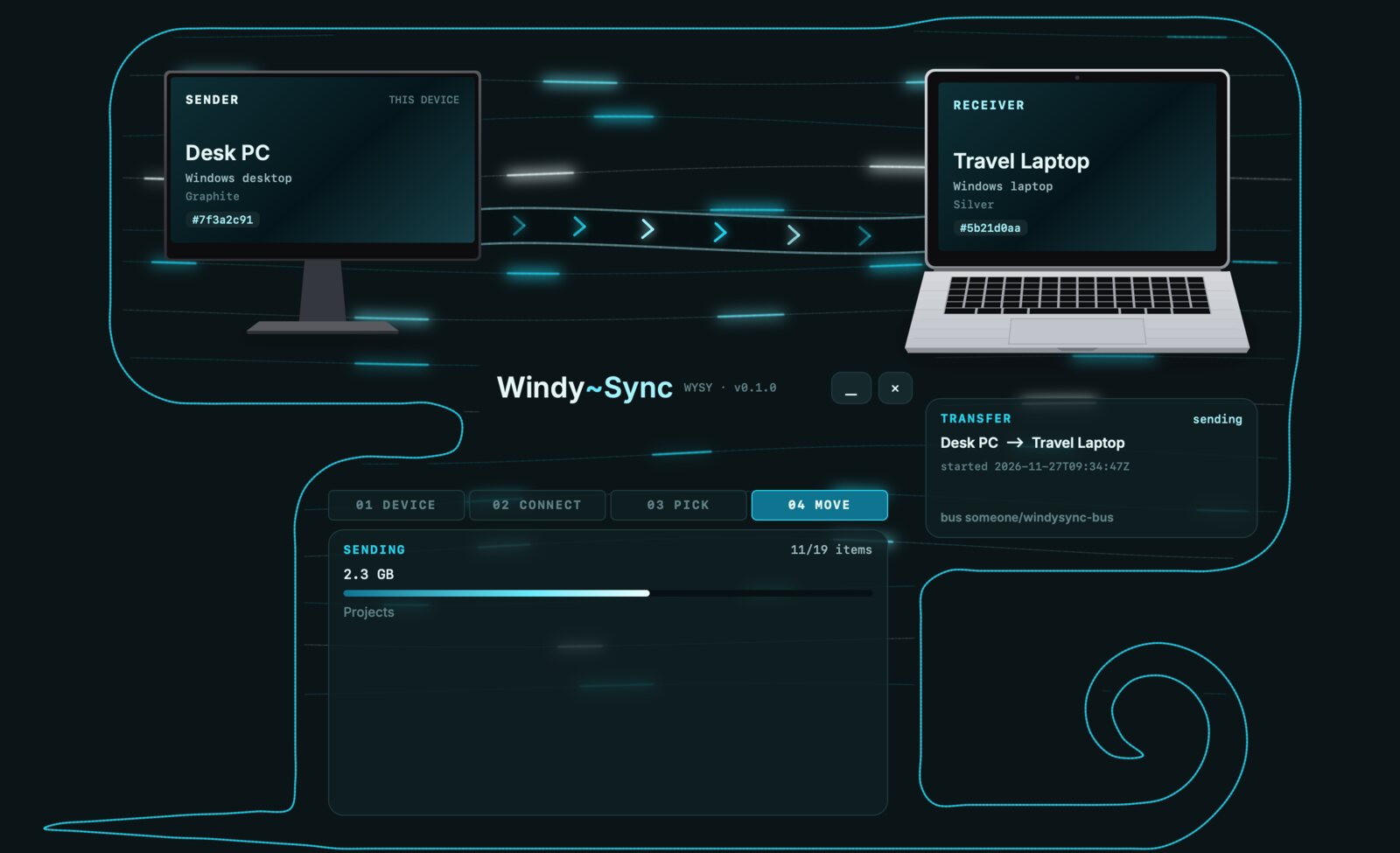 Project · Nov 27, 2026WindySync: Sync Your Windows setup across your PCs with your custom configurations.
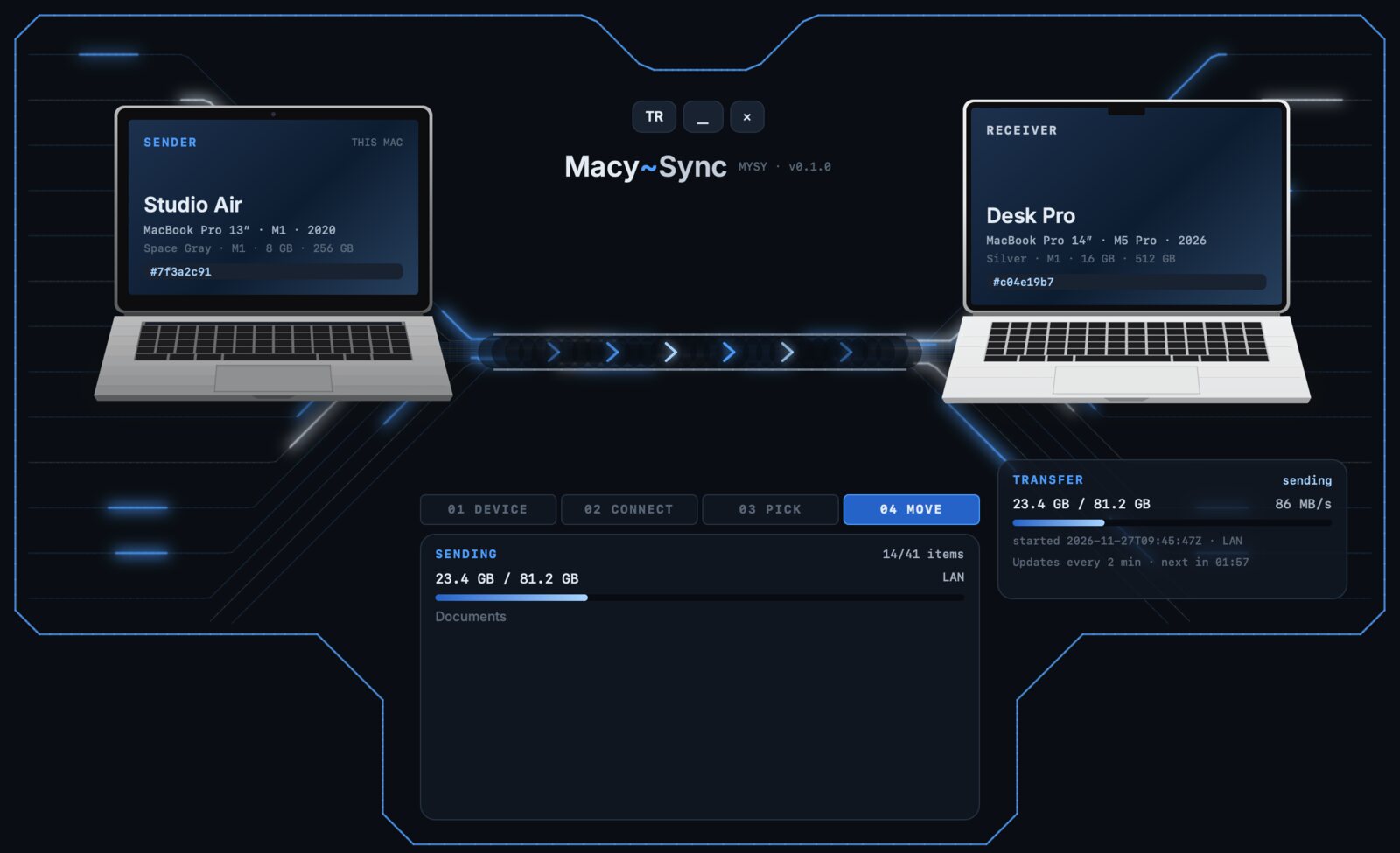 Project · Nov 27, 2026MacySync: Got fresh mac but feeling lazy to carry everything there? Dont worry we cover you for free!