Projectwave-terminalrustopen-sourcetoolingEnglishTürkçe
WavySync: my Wave Terminal, on every computer
Wave keeps a lot of me in it: the workspaces I arranged, the widgets in the sidebar, the little tools those widgets open. A new computer used to mean building all of that again. WavySync fixes that with a GitHub repo and one folder per machine.

5 min read
My Wave Terminal, on every computer
Wave keeps a lot of me in it: the workspaces I arranged, the widgets in the sidebar, the little tools those widgets open. A new computer used to mean building all of that again. WavySync fixes that with a GitHub repo and one folder per machine.
The short version and all the links
- WavySync syncs Wave Terminal between computers through a GitHub repo you own, one folder per machine: settings, workspaces, tabs, layouts, widgets, themes and SSH connections.
- Push sends this Wave to its folder, Pull brings it back. Live sync sends settings and widgets as they change; layouts wait for Push so GitHub doesn't get a commit for every pane.
- Any computer can apply another's profile, and widgets install the tools they run.
- Secrets stay on your machine. Wave's database is only read, and written back after Wave closes, with a backup first.
- Free and open source (MIT), one Rust binary for macOS, Windows and Linux. Version 0.1.0.
- Websitewavysync.vercel.app
- DownloadLatest release
- SourceGitHub repo
- DocsHow to use it
- ChangelogWhat changed
- DiscussOn Wave's GitHub
- Wavewaveterm.dev
- Wave sourcewavetermdev/waveterm
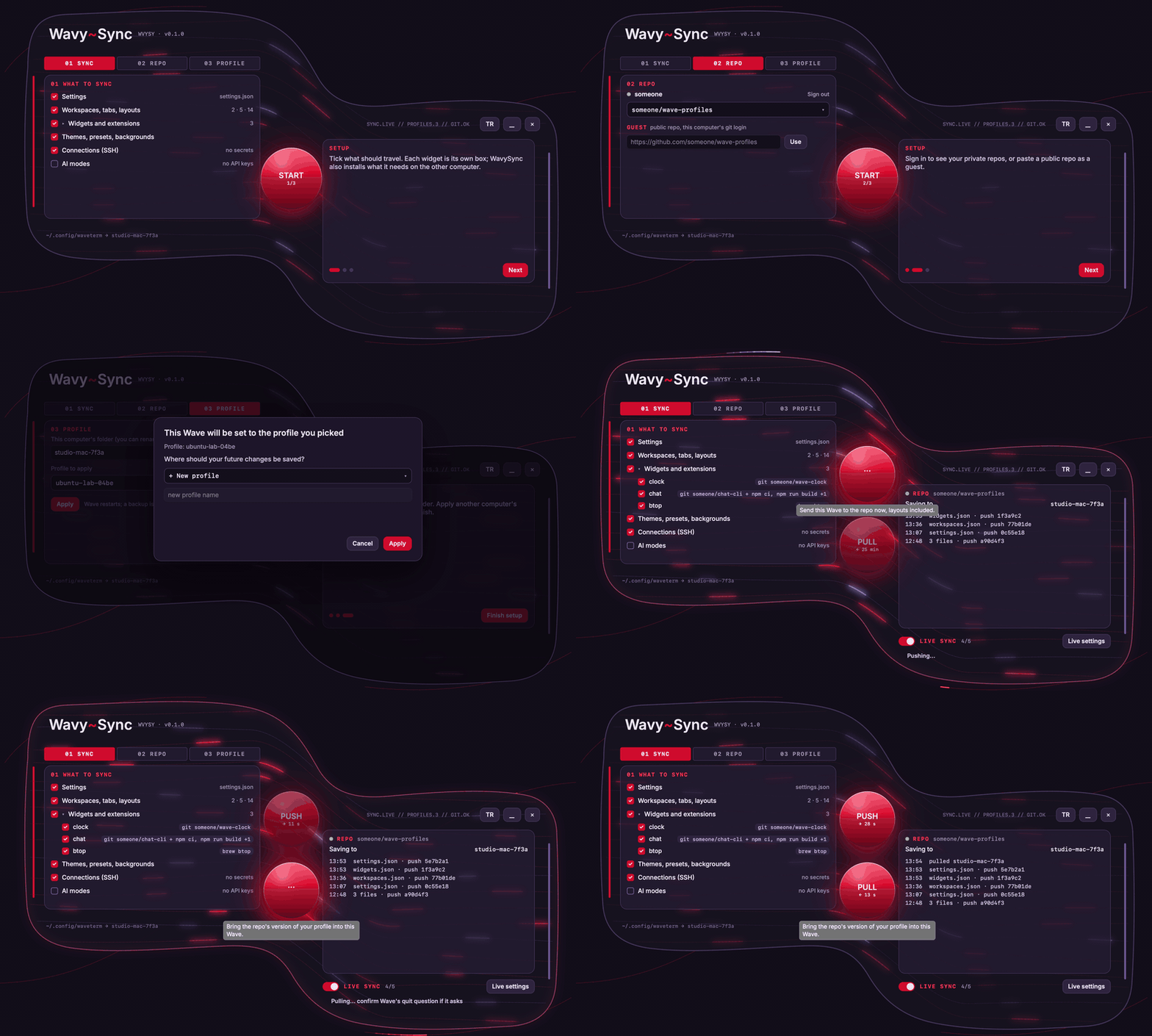
The problem
Wave Terminal is my daily terminal. Over a few months mine grew into something specific: a workspace per project, panes split the way I like them, a sidebar of widgets, some of them small web apps and CLIs I wrote myself. None of that lives in a dotfile I can copy. Settings sit in JSON files, but the workspaces, tabs and layouts sit in Wave's SQLite database, and the widgets point at tools that have to exist on the machine.
So every second computer started from zero, and every rebuild drifted a little from the original. The Wave tracker has the same request in a few forms: sync between devices, export and import workspaces, sync SSH connections.
One folder per computer
WavySync keeps a GitHub repo that you own. Every computer writes its Wave to its own folder, named after the machine, and any computer can take on another's setup.
your-wave-profiles/
├── studio-mac-7f3a/
│   ├── config/            settings, widgets, themes, connections
│   ├── workspaces.json    workspaces, tabs, blocks, layouts
│   ├── extensions.json    what each widget needs to run
│   └── files/             small scripts the widgets call
├── work-imac-2c91/
└── ubuntu-lab-04be/Everything in there is plain text you can read in a diff. Paths under your home folder become {HOME}, so a setup made by one user name works under another.
Push and Pull
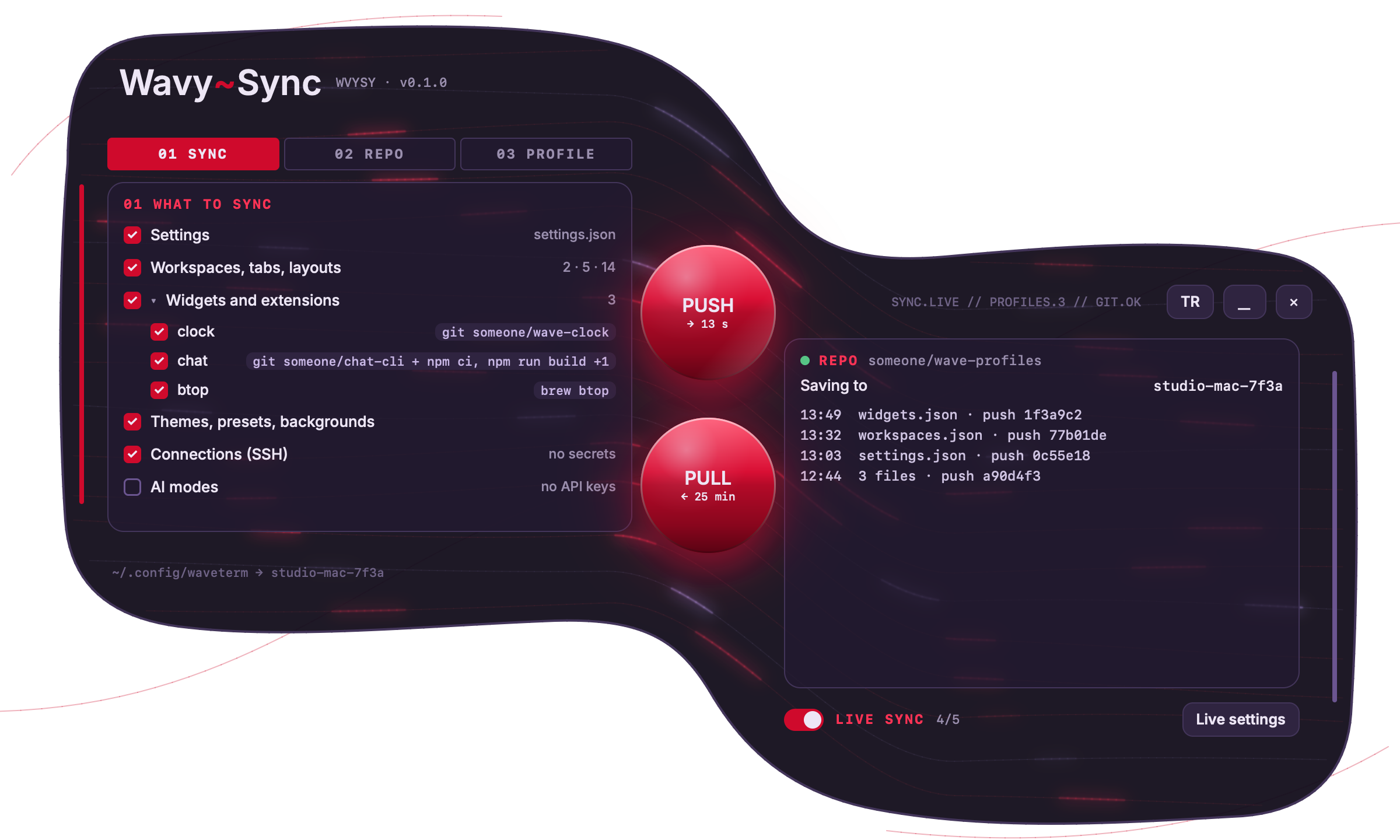
Push reads Wave's config files and its workspace database, strips anything that looks like a secret, and commits what changed. Pull writes this computer's folder back into Wave. While either one runs, the neon lines behind the window flow in the direction the data moves: right for Push, left for Pull. When the job lands, a green SYNCED shows for a moment and the lines ease back into place.
Pull has one rule I cared about. Writing layouts means Wave has to close first, because its database is open while it runs. So Pull compares the incoming workspaces with what Wave already has, and only asks Wave to quit when they differ. Pulling a settings change never interrupts you.
Live sync, minus the commit storm
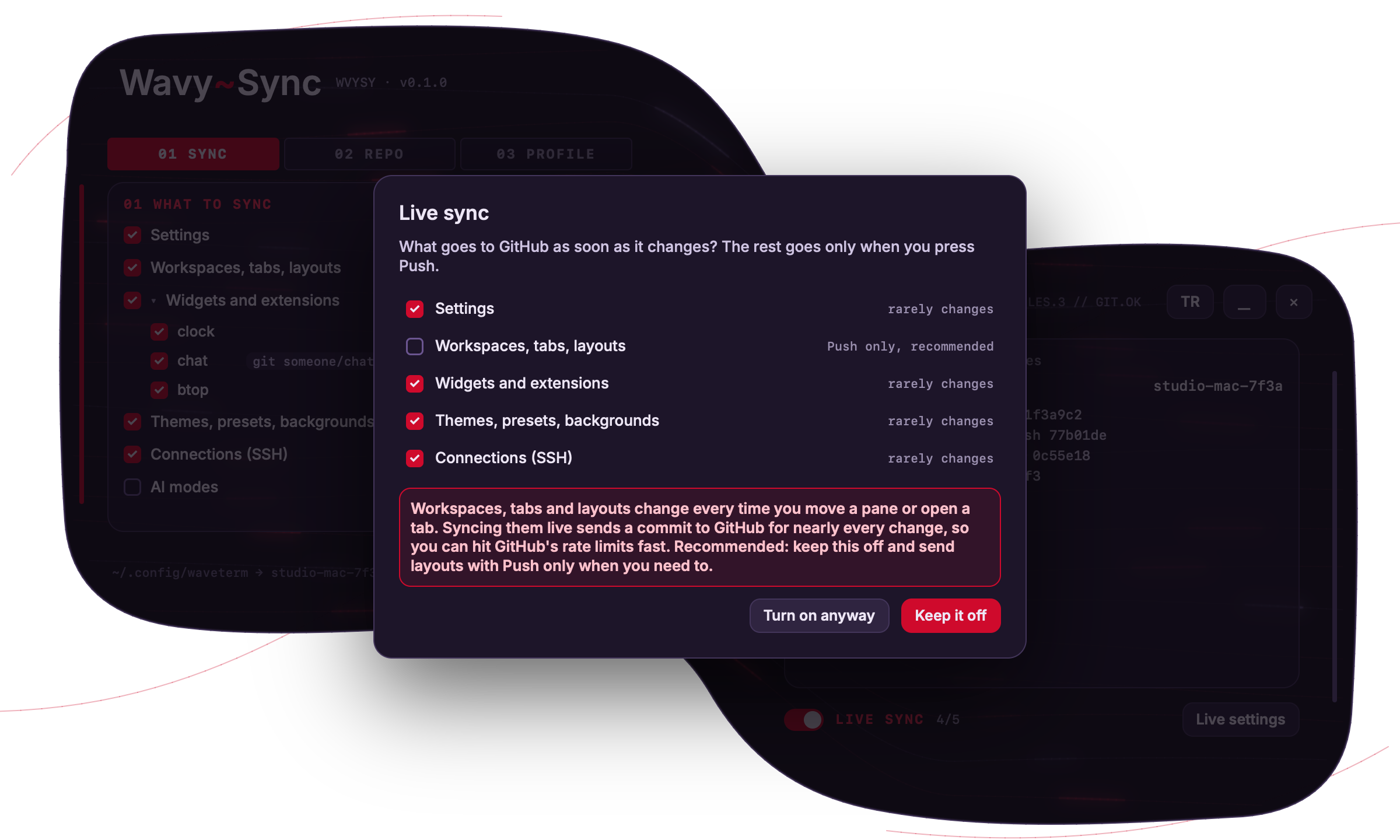
With the live sync switch on, a background process checks every 30 seconds and pushes what changed. The first version pushed everything. That turns every pane you drag and every tab you open into a commit: noise in the history, and at that rate GitHub's limits become a real concern.
So live sync is per item now. Settings, widgets, themes, connections and AI modes go live by default because they change rarely. Workspaces, tabs and layouts wait for Push, and if you switch them to live anyway, WavySync tells you why it would rather you didn't. The background push leaves the layout file exactly as the last Push wrote it.
Widgets bring their tools
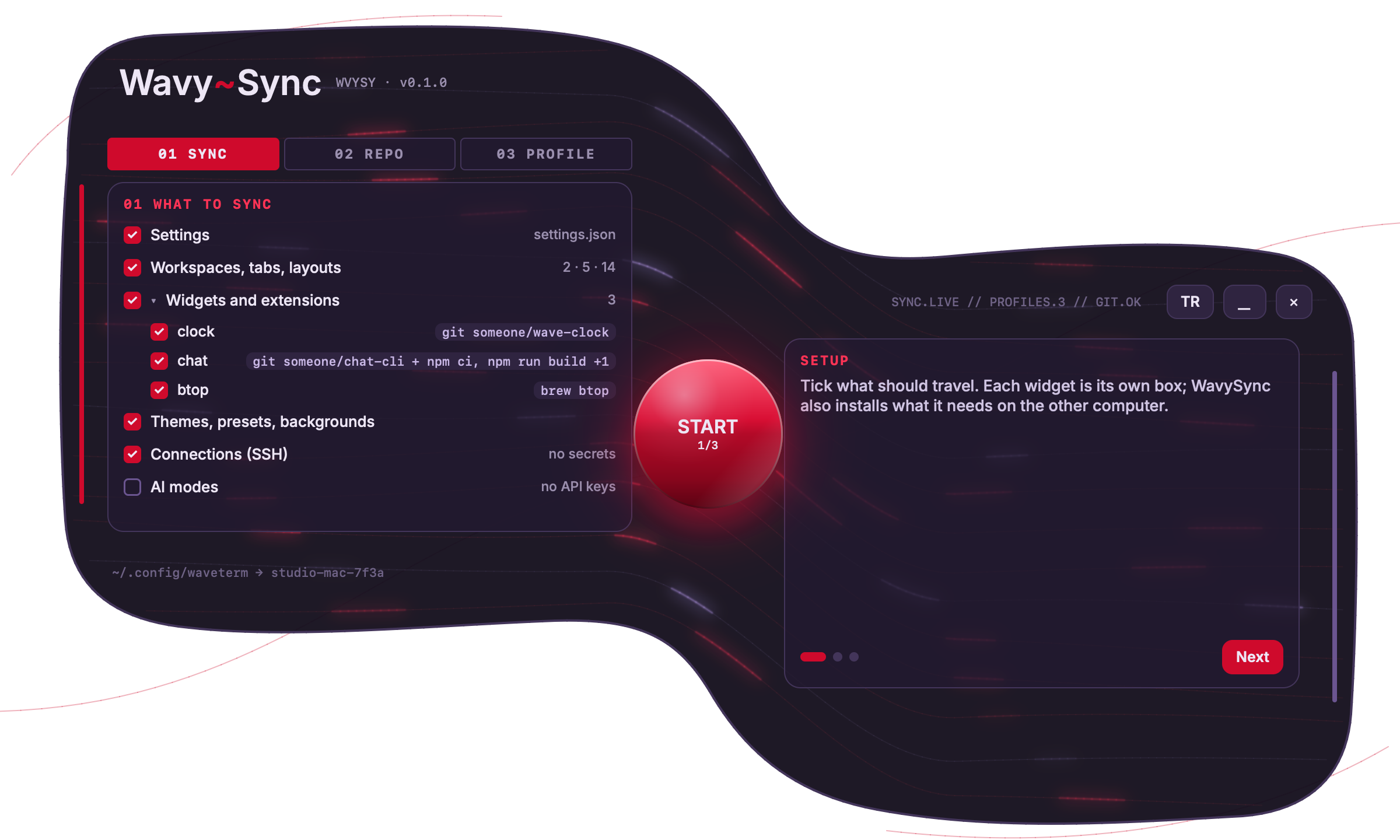
A widget is only half the setup. A chat widget might run a CLI that lives in a git repo and needs npm ci and a build; a clock widget can be a small web app; btop comes from Homebrew. WavySync reads each widget, works out where its command comes from (a git checkout and its build steps, a Homebrew formula, a global npm package, a cargo install, or a short script it carries along) and installs those on the other computer when you apply the profile.
Applying someone else's setup
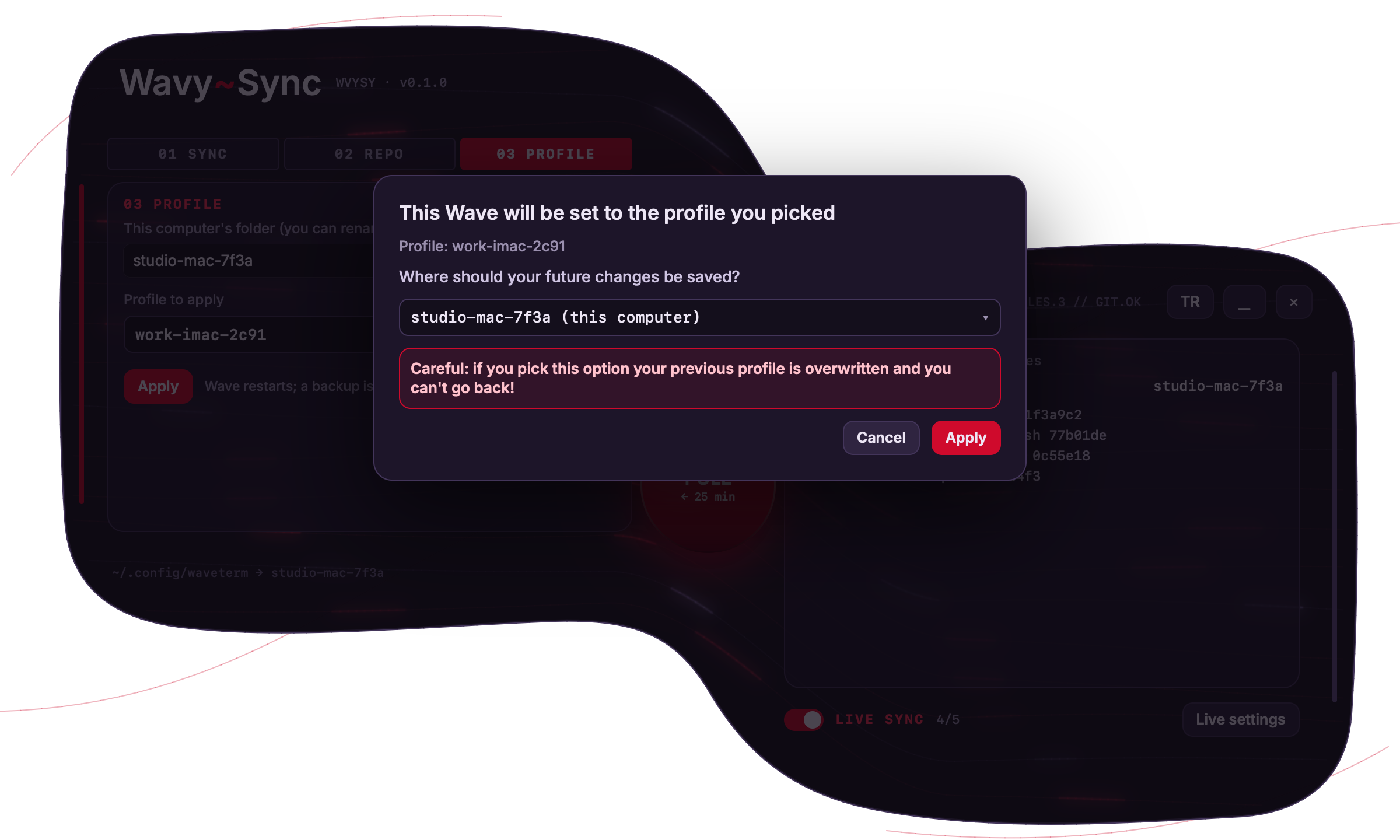
Any folder in the repo is a profile. Applying one backs up the current Wave, asks Wave to quit, writes the profile, installs the widget tools and starts Wave again. The question that matters most is the one in that dialog: after you apply the work iMac's setup to a new laptop, where do the laptop's changes go? Its own folder by default. You can pick the profile you just applied, with a clear warning that it gets overwritten, or start a new folder.
What stays on your machine
- Any key whose name contains
token,secret,password,apikeyorprivatekey. - Terminal history and scrollback.
- WavySync's own GitHub sign in, which lives in the system keychain.
- Anything you leave unticked.
WavySync opens Wave's database read only. It writes Wave's files only when you pull or apply, after Wave has closed, and it keeps a backup of the previous state each time.
How it is built
It is one Rust binary per platform. The window is drawn with Rune, which also renders the app headless, so every screenshot and the GIF in this post come straight from the real window running on made-up data. Git does the syncing, so a guest mode works too: point WavySync at a public repo and it pushes with the machine's existing git login. Signing in with GitHub uses a device code and unlocks private repos.
I built it the way I build most things now: I set the direction and review every screen, and coding agents write most of the code. The parts that mattered most came from using it, like the commit storm above and Pull closing Wave when it did not need to.
Try it
Version 0.1.0 runs on macOS (Apple silicon and Intel), Windows and Linux. I have tested it end to end on macOS; the Windows and Linux builds are newer, so reports from those are especially welcome.
# macOS
tar -xzf wavysync-macos-arm64.tar.gz
xattr -d com.apple.quarantine ./wavysync
./wavysyncThe first run opens a three step setup: what to sync, which repo, and what this computer's folder is called. After that it sits in Wave's sidebar as a widget.
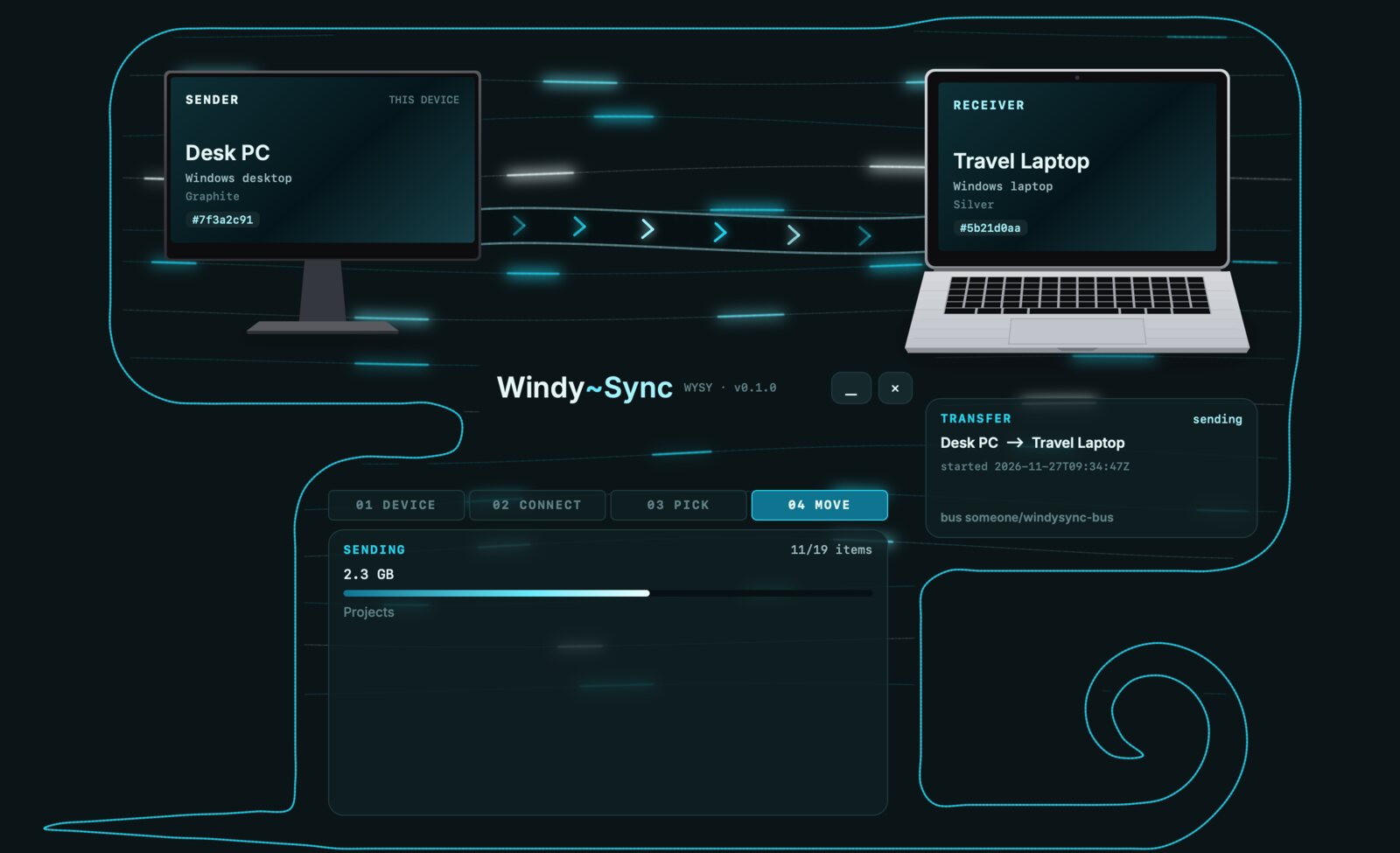 Project · Nov 27, 2026WindySync: Sync Your Windows setup across your PCs with your custom configurations.
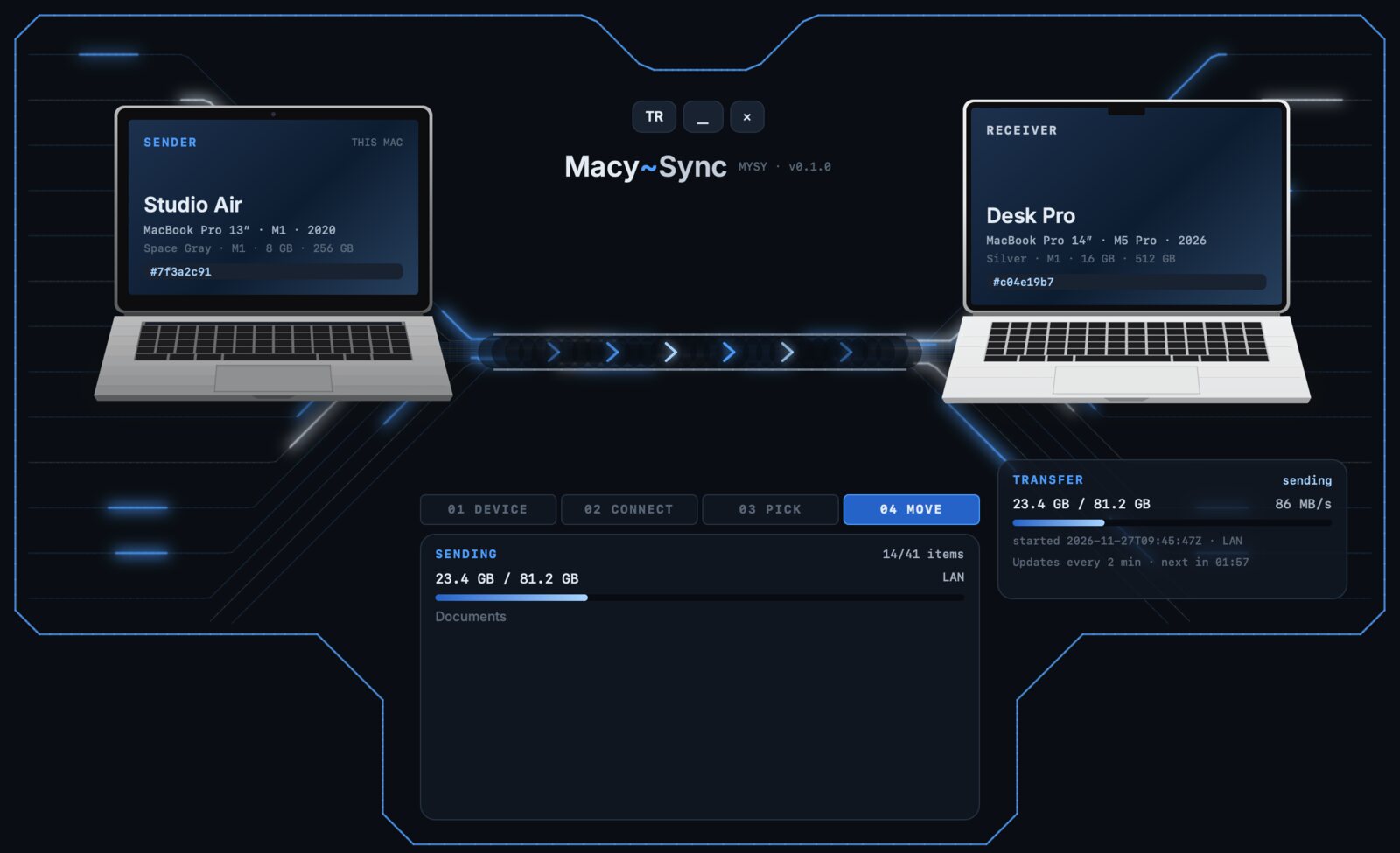 Project · Nov 27, 2026MacySync: Got fresh mac but feeling lazy to carry everything there? Dont worry we cover you for free!
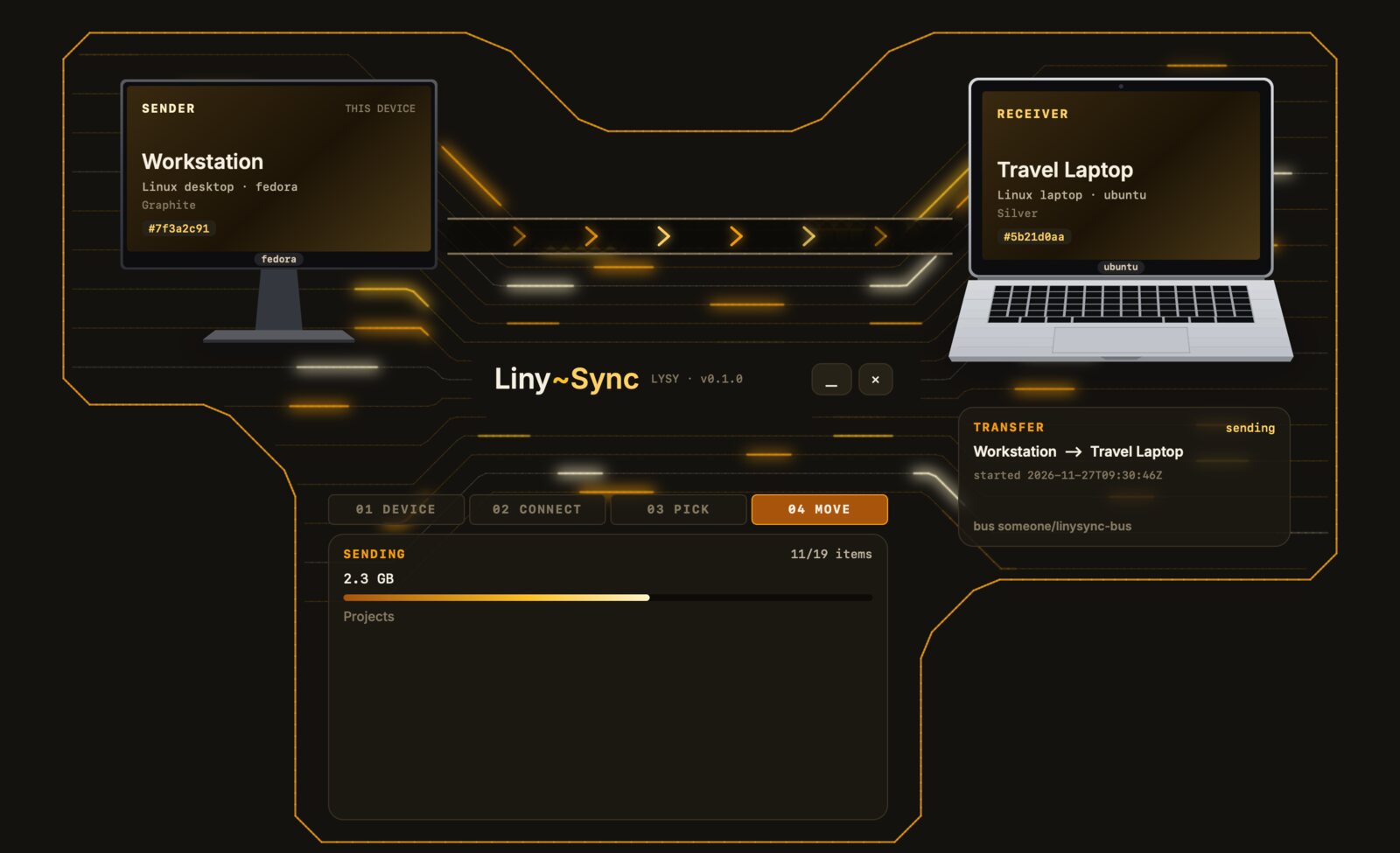 Project · Nov 27, 2026LinySync: Sync your Linux setup however you want with your other linux devices