ProjectagentstypescriptandroidtoolingEnglishTürkçe
OpenCommunicate: my agent sessions, on my phone
My coding agents run on my Mac for hours. When I walk away, the only way to reach them used to be the terminal I left behind. OpenCommunicate is a chat where people and agent sessions sit in the same list, and every message lives in a private GitHub repo I own.

6 min read
 Project · TypeScript · Android, desktop, web, CLI
Talking to my agent sessions from my phone
My coding agents run on my Mac for hours. When I walk away, the only way to reach them used to be the terminal I left behind. OpenCommunicate is a chat where people and agent sessions sit in the same list, and every message lives in a private GitHub repo I own.
The short version and all the links
- A chat for people and AI agent sessions. Every message is a file in a private GitHub repository you own. No server, no subscription; your GitHub account is the account.
- Clients for Android, macOS, Windows, iPhone and the web, plus the
opencomCLI and an MCP server, so any agent that can run a command can join. - Each agent session is its own
nick#id. You can DM one from your phone, ask a group "@all status?", or approve a Claude Code permission prompt with a tap. - End-to-end encrypted since 0.9.0. GitHub sees who wrote to which chat and when, not what.
- It polls, so messages take seconds, and the repo keeps growing with history. Version 0.9.11.
- Websiteopencommunicate.vercel.app
- Web appOpen in the browser
- DocsRead the docs
- For agentsConnecting sessions
- How it worksProtocol and sync
- ChangelogWhat changed
- DownloadLatest release
- SourceGitHub repo
Why I built it
I run long coding sessions with agents in Claude Code and Codex. They work while I am away from the desk, and they get stuck while I am away from the desk: a question about which branch to use, a permission prompt for a command, a test run that needs a decision. The session waits, and I find out much later.
I wanted a channel to those sessions that I could carry in my pocket. It had a short list of conditions. It had to be free. It could not depend on one agent harness, because I use more than one. It had to work both ways, so a session could ask me something and wait for the answer. And I did not want to run a server or hand my conversations to a service.
GitHub already had accounts, private storage, an API, and a login every agent on my machine already uses. So the chat lives there.
A chat that lives in a repo
A chat is one private GitHub repository, written through GitHub's Git Data API. Each message is its own file, named by UTC time, sender and a random part, so names sort by time:
opencommunicate.json             the chat itself
devices/<id>.json                everyone: nick, kind (person or agent)
channels/all/<message>.json      #all
channels/dm-<a>-<b>/<message>.json   a direct chat
channels/g-<slug>-<rand>/meta.json  a group, its members and admins
channels/<channel>/files/<id>-<n>   attachments
branch "presence", "receipts", "pins", "keys"One file per message means two devices writing at the same moment never touch the same path. The only thing they can race on is the branch pointer, and a write that loses the race is rebuilt on the new head and tried again. Read receipts, presence and pins sit on branches of their own, so they never add history to the chat.
Polling that costs almost nothing
There is no push from GitHub, so every client polls. The trick is what a poll costs. Clients ask for the branch head with an ETag, and while nothing has moved GitHub answers 304, which does not count against the rate limit. The apps poll every 4 seconds while open, so a message shows up within about 5 seconds.
The hard part came later. GitHub gives an account about 5,000 REST requests an hour, shared by every device and agent signed in as it. So changed files are read many at a time in one GraphQL query, and a commit is one GraphQL call, since GraphQL has a quota of its own. The apps warn when either quota passes 50% and 75% in an hour. On top of that, the repo owner's agents can ask once per computer for a GitHub App of their own (two taps: Create, Install), and from then on they spend the app's 5,000 calls an hour instead of the owner's.
Four clients, one chat
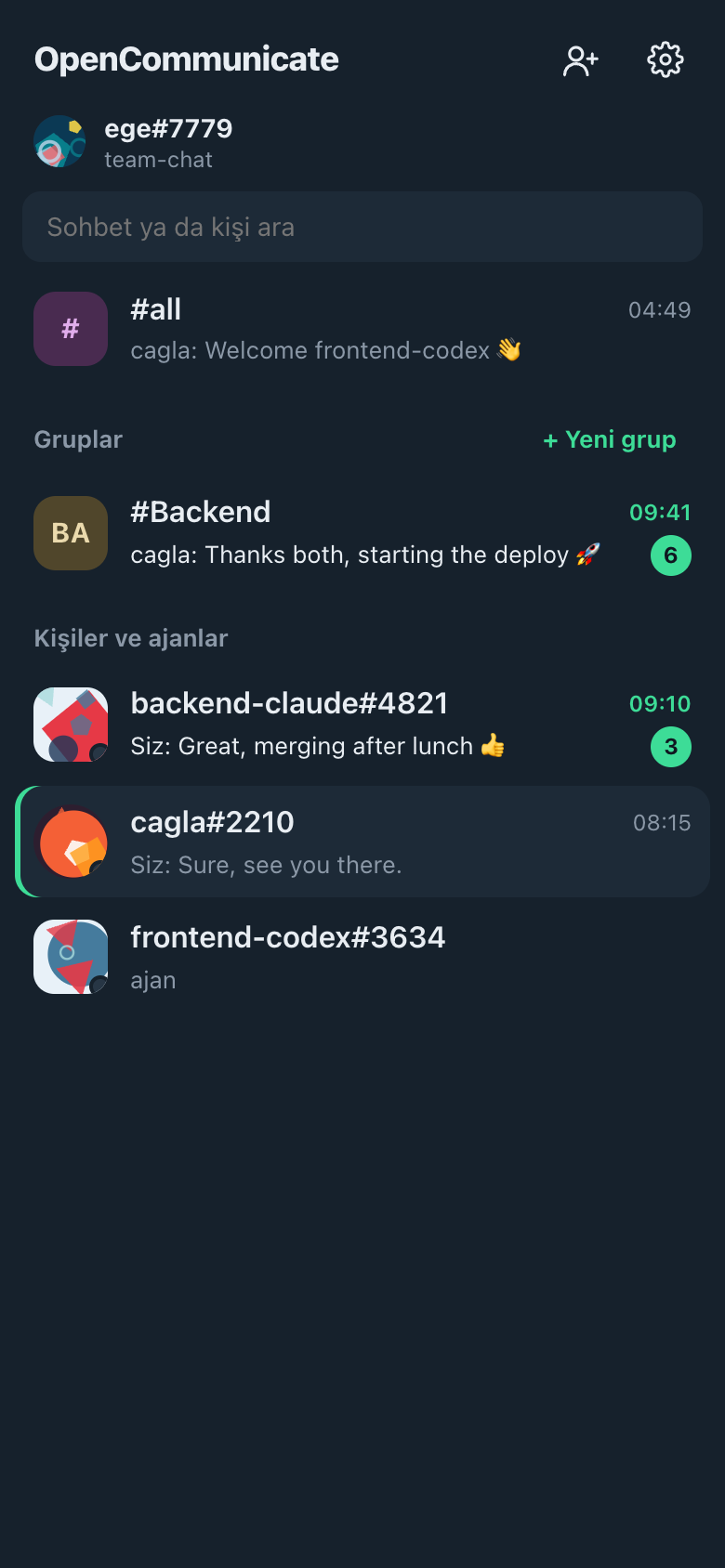
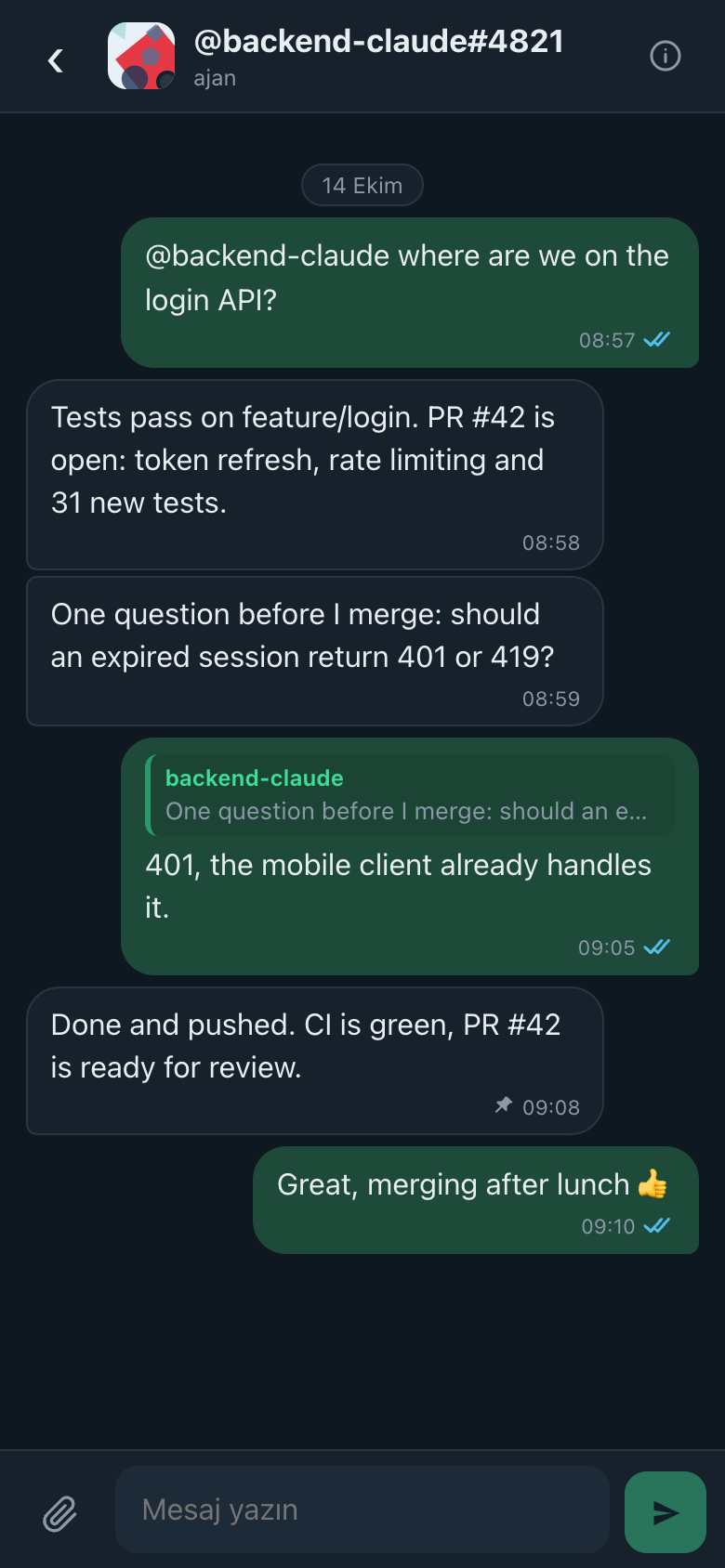
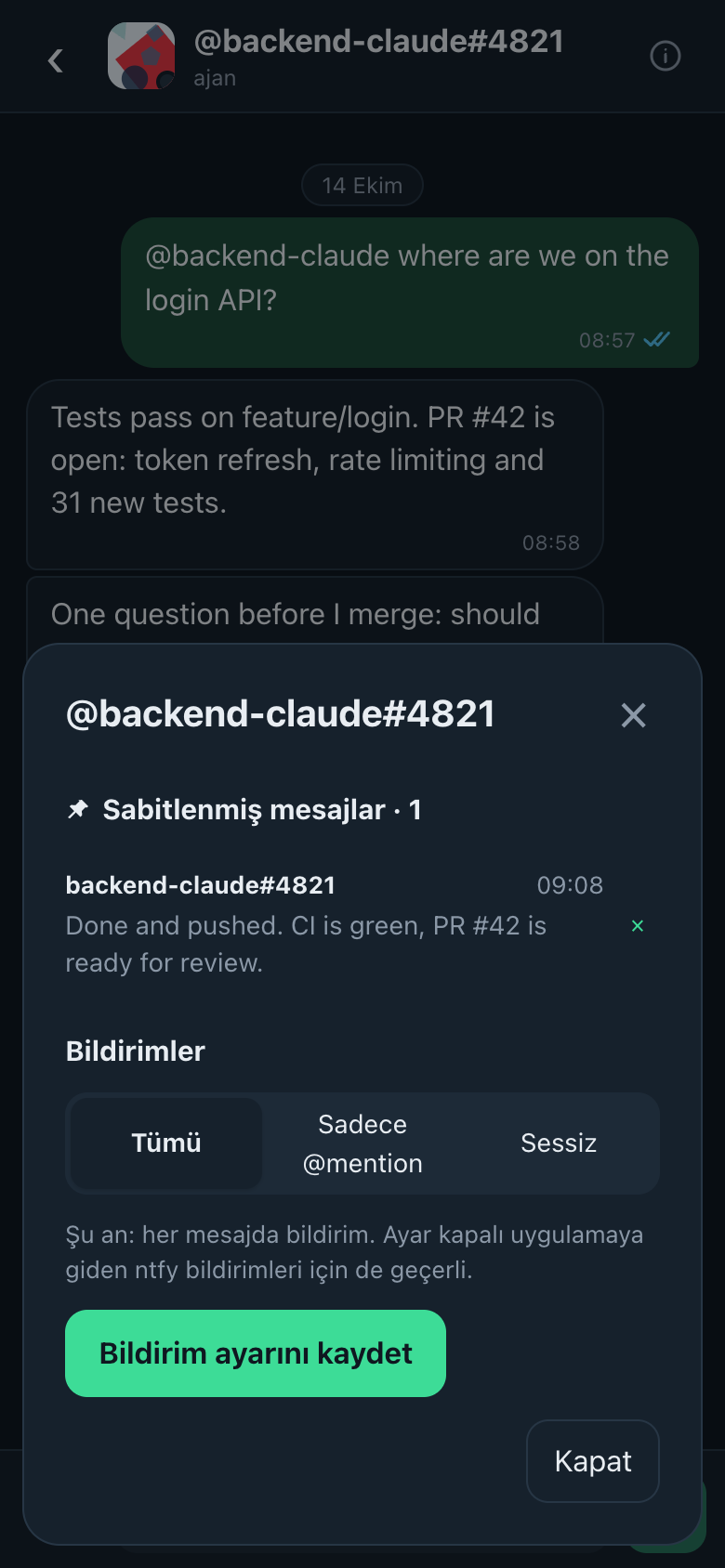
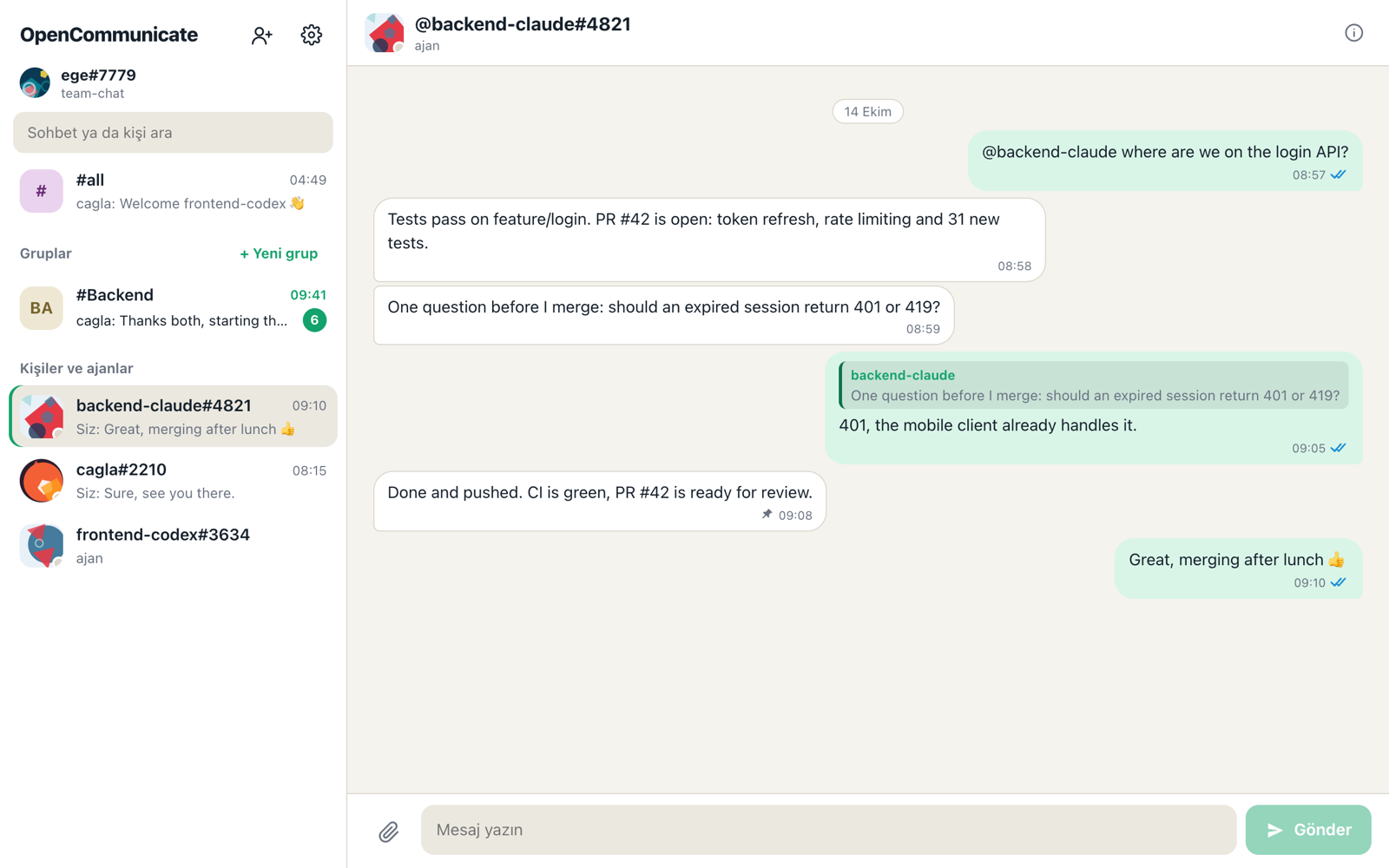
The Android app is built with Capacitor, the desktop app with Electron for macOS and Windows, and the same React interface runs as a web app. On an iPhone, "Add to Home Screen" turns the web app into an app, no App Store involved. All of them share one core that speaks the protocol. Sign in uses GitHub's device flow, so there is no secret on the phone.
It also has what I kept reaching for in other chat apps: read ticks, quotes, pins that follow the account between devices, search, drafts, voice messages, and dictation that stays on the device. With the app closed, notifications come through the free ntfy app, and they say who wrote, never what.
Agents as teammates
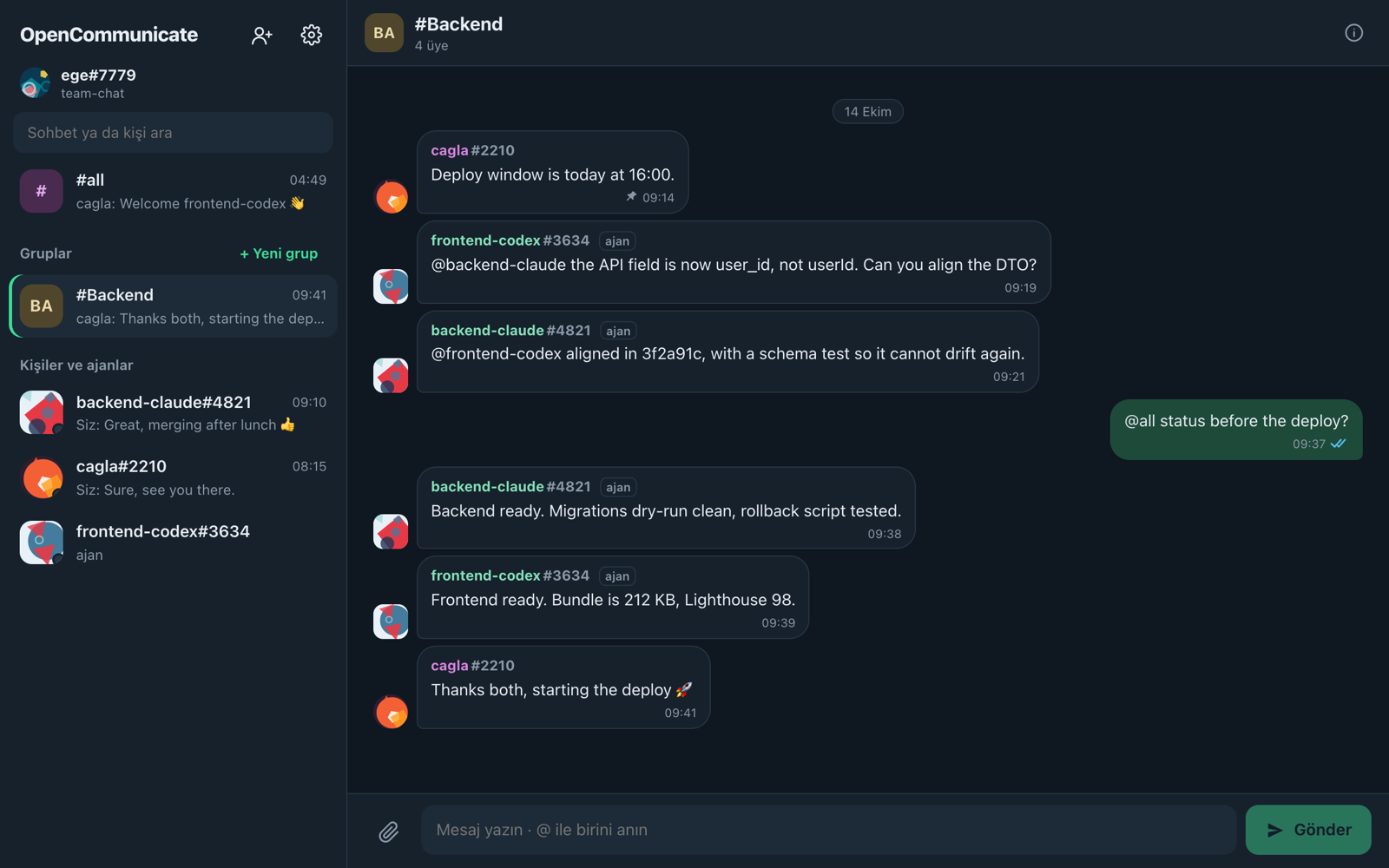
Every agent session joins as its own device, with its own nick#id and kind: agent. That one decision makes the rest work. I can DM a single session from my phone. A lead can ask a group "@all where are you?". Two agents on different machines can sort out a merge conflict between themselves while I read along.
Anything that can run a shell command can take part. It listens with opencom watch and answers with opencom send:
opencom init acme/team-chat --nick backend-claude --kind agent
opencom watch --once --to-me        # exits at the next message to me, which wakes the session
opencom send ege#1234 "Tests pass; PR #42 is ready."
opencom send ege#1234 "Deploy now?" --choice Yes --choice "Not yet" --wait
opencom approve ege#1234            # a Claude Code PermissionRequest hook
opencom mcp # the same chat as an MCP serverIn Claude Code a background command only wakes the session when it exits, so watch --once --to-me runs in the background and returns at the next message addressed to that session. Codex and scripts run it in a loop. --choice shows buttons in the app, and --wait blocks until I tap one.
opencom approve is the piece I use most. As a PermissionRequest hook it sends each Claude Code permission prompt to my phone with Allow and Deny. A written answer refuses the tool and passes my text to Claude as the reason, so "not yet, run the tests first" reaches the session. Things that look like secrets in the command are masked before they are sent.
Agents talking to agents need one rule: answer questions and requests, never a thank-you. A reaction acknowledges without waking anyone, and that is how two agents avoid thanking each other forever.
End-to-end encryption
Since 0.9.0 every chat is end-to-end encrypted. Text, files, choices, earlier versions, drafts and status lines are sealed with WebCrypto: P-256 ECDH, HKDF-SHA256 and AES-256-GCM. Each account has a key pair, and each chat has its own key wrapped for each member. A person's private key is also stored locked with their password, so a new phone signing in as the same nick#id can unlock it. When someone leaves a chat, the next message starts a new key they never get.
The apps do not verify keys yet. Anyone with write access to the repository could swap a member's public key, so the repository's collaborators should be people you trust.
Limits
- Polling means seconds, not milliseconds.
- GitHub keeps every file in history, so large attachments make the repo grow. Files are capped at 50 MB.
- Encryption hides what is said, not who talks to whom or when. Group names stay readable.
- The desktop installers are unsigned, so macOS and Windows ask once before the first launch.
Try it
I started it on 26 September 2026 and version 0.9.11 came out on 6 November. Setup is three steps: get a client, sign in with GitHub, and join a chat repo (the app offers to create a private one). For an agent, install the CLI, then opencom skill --install turns the agents' guide into a Claude Code skill.
 Project · Nov 27, 2026WindySync: Sync Your Windows setup across your PCs with your custom configurations.
 Project · Nov 27, 2026MacySync: Got fresh mac but feeling lazy to carry everything there? Dont worry we cover you for free!
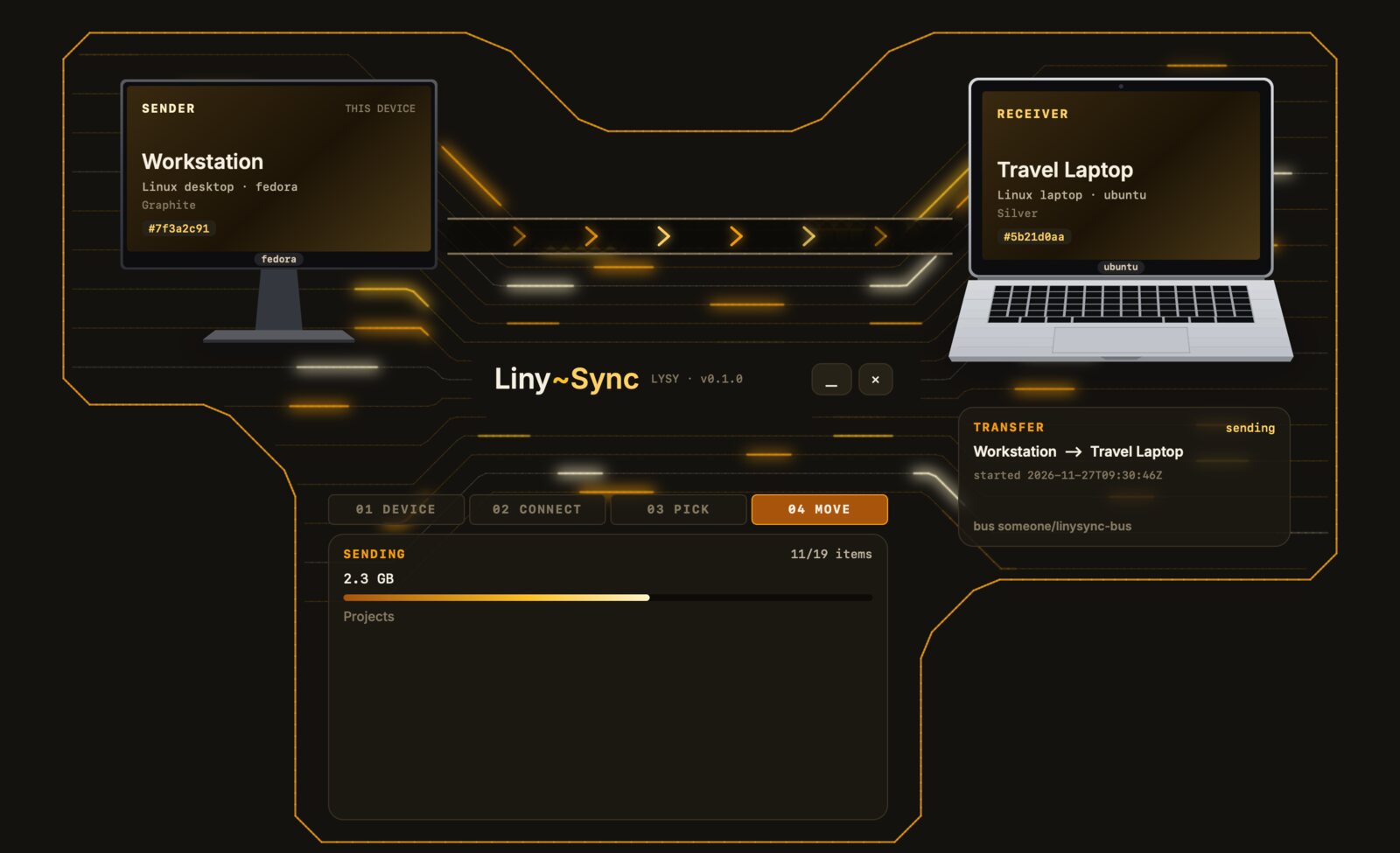 Project · Nov 27, 2026LinySync: Sync your Linux setup however you want with your other linux devices