ProjectcontentelectronnextjsEnglishTürkçe
OpenContentManager: code in, stories out
Shipping a project is one job. Telling people about it is another, and every platform wants it in a different shape. OpenContentManager reads my repositories and makes the posts, carousels and videos for me, on my own computer.

6 min read
 Project · Next.js and Electron · closed beta
Code in. Stories out.
Shipping a project is one job. Telling people about it is another, and every platform wants it in a different shape. OpenContentManager reads my repositories and makes the posts, carousels and videos for me, on my own computer.
The short version and all the links
- Add code from GitHub, any public git URL or a local folder. Tick platforms, formats and engines. Every combination comes out as its own piece, with a preview, the post text, the files and a button that opens the platform's composer.
- Platforms: LinkedIn, Instagram, X, Reddit, YouTube Shorts and your blog. Outputs: text with an image, image cards, slideshows (PDF, PNG per slide or PPTX) and videos.
- "Make it like this": every engine takes an optional reference for the look. The facts still come only from your repository.
- It runs locally on macOS and Windows. Only Claude is required; renderers, video tools, skill engines and voices are add-ons you download and remove in Settings.
- Version 0.3.0, in closed beta. Access is by request on the site.
- Websiteopencontentmanager.vercel.app
- ExamplesEvery example, with the post text
- DocsGetting started
- BetaRequest access
Why I built it
Shipping a project and writing about it are two different jobs, and the second one comes in many shapes. A LinkedIn carousel wants 4:5 slides and a PDF. Instagram wants the same slides as separate PNGs and a 9:16 video. A YouTube Short needs a title, a description and #Shorts tags. X and a blog want 16:9 images, Reddit 4:3.
All of that is already sitting in the repository: the README, the code, the commit messages. So I wanted a tool that starts from the repo, keeps to what is actually in it, and gives me every format at once. The first commit was on 24 September 2026; version 0.3.0 came out the next day.
Three screens from repo to feed
- Sources
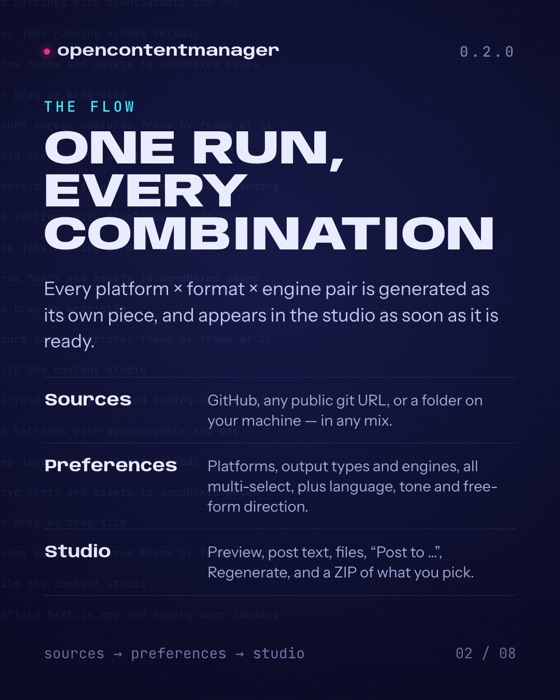
- Each source card is a GitHub repository, a public git URL (GitHub, GitLab, Codeberg) or a local folder, in any mix. GitHub sign-in uses the device flow, and the picker lets you tick many repositories at once. From a local folder only source and text files are sent;
node_modules, build output and binaries are skipped. - Preferences
- Platforms, output types and engines, all multi-select, plus language, tone and free-form direction. With several repositories you choose one story or a set per repository.
- Studio
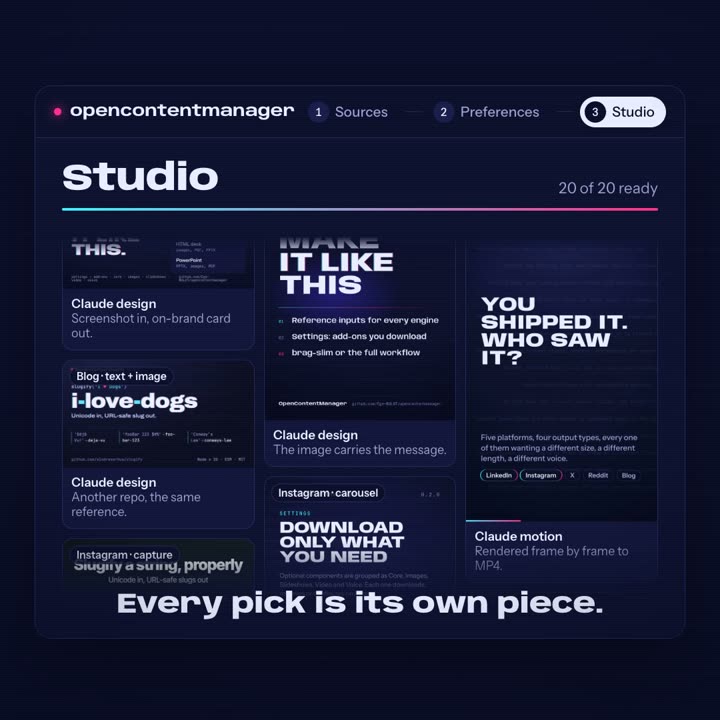
- Every platform, format and engine combination is generated as its own piece, two at a time, and keeps going if you reload. Each card has a preview, Post to …, copy, download, Files and Regenerate. A batch downloads as one ZIP with a folder per piece.
The engines
Images and slides are designed by Claude in HTML and CSS, then rendered by a headless browser. An HTML deck becomes deck.html, a PDF for LinkedIn's document carousel and one PNG per slide for Instagram. The PowerPoint engine writes an editable .pptx with speaker notes.
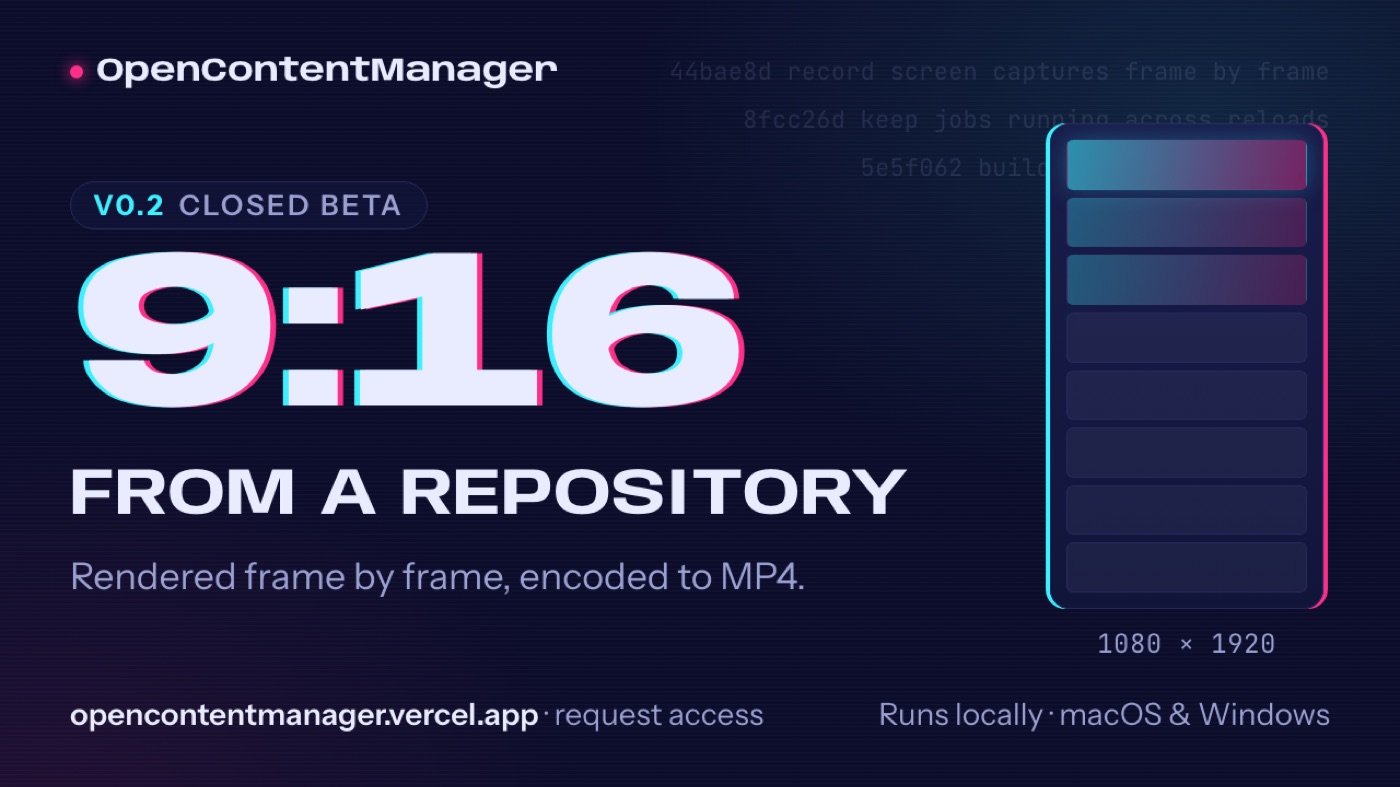
Video has four engines. Claude motion has Claude write an animated HTML storyboard; every frame is rendered deterministically and encoded to MP4. brag cuts a 15 to 25 second launch video with music from the repository itself. anything2explainer makes a narrated explainer of about two minutes. Screen capture records the project's demo URL with a scripted scroll. Claude motion and screen capture can also get a voiceover: Kokoro offline on any computer, or Qwen TTS in the cloud or on an Apple Silicon Mac.
 brag-slim · frame
Make it like this
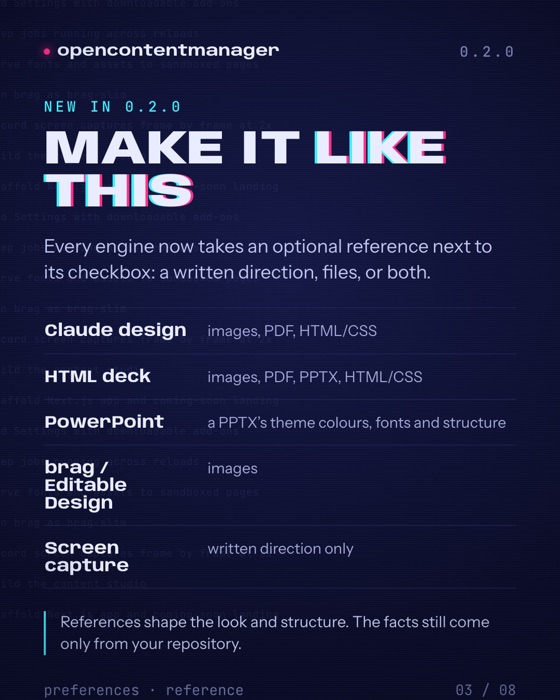
Every engine takes an optional reference next to its checkbox: a written direction ("dark, editorial, one huge serif headline"), files, or both. Each engine accepts what it can actually use. Claude design reads images, PDFs and HTML; the PowerPoint engine takes a PPTX's theme colours, fonts and structure.
 Reference in
 Result
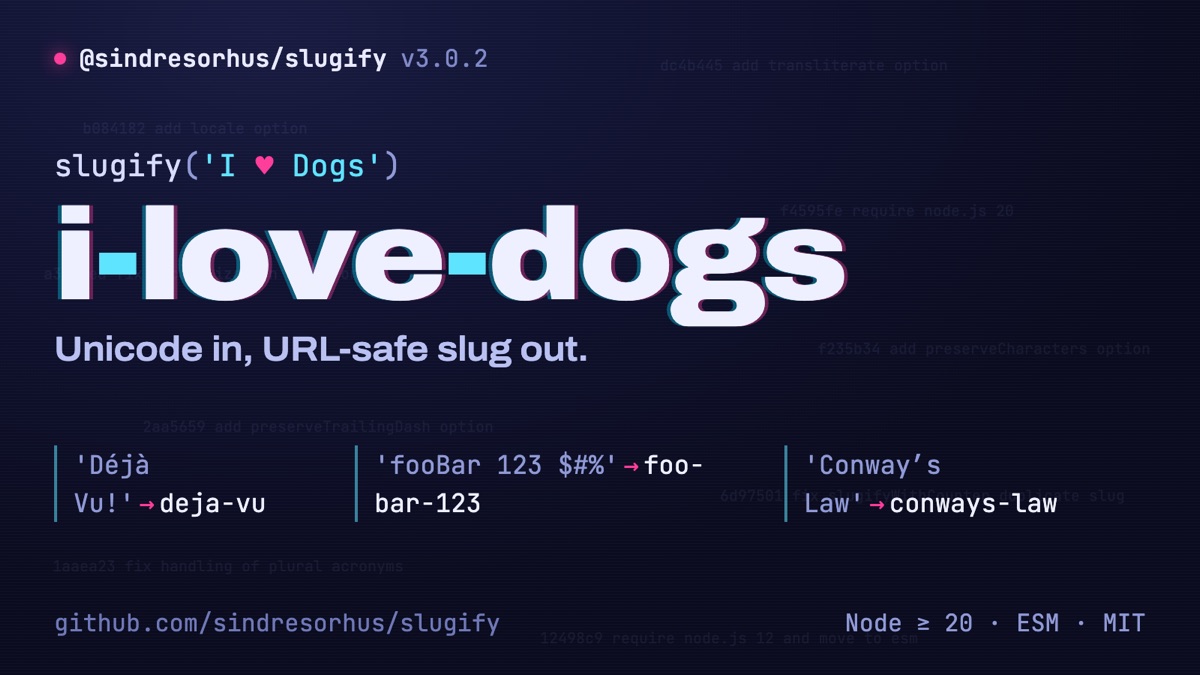
The reference sets the look and the structure. The facts still come only from the repository.
It wrote its own launch
 Slide 2
 Slide 3
 Slide 5
For the examples on the site I pointed OpenContentManager at its own repository and gave it a screenshot of the site as the reference. The pieces on the landing page came out of that run one platform, format and engine at a time, and none of them was edited.
One run did not make it. brag's full workflow mocked up the app's Sources card with stats that were not real: a file count, a commit count and a language split it had made up, for a repository that does not exist. I left that video out, and the next commit gives brag the real file and commit counts and asks for facts from the repository only.
A tool that writes about your code is only useful if it does not make things up about it.
Light by default
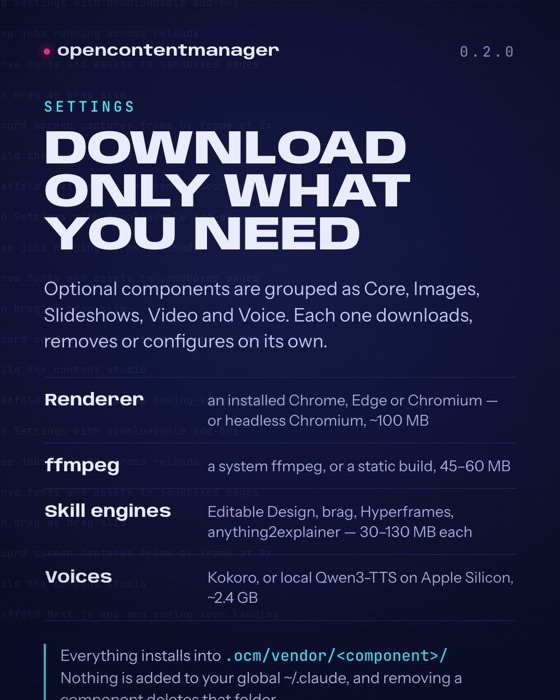
The only requirement is Claude, through a signed-in Claude Code or an API key. Everything else is an add-on in Settings, with its size shown, and each one can be removed again:
.ocm/
├── repos/        shallow clones and their digests
├── out/<job>/    every generated file
└── vendor/ renderer, ffmpeg, skill engines, voicesAn installed Chrome or Edge works as the renderer, and a system ffmpeg for video; otherwise a headless Chromium (about 100 MB) and a static ffmpeg download in one click. The skill engines are linked into each run's working folder, so nothing is added to your global ~/.claude.
The heavy engines taught me the most. brag and anything2explainer now run one at a time, check free disk space before they start (about 2 GB and 3 GB), and are resumed in the same session if the agent stops before the final file exists, at most twice. Closing the app stops every process it started, children included, because before that an agent could keep rendering, and spending, in the background.
Generated HTML is previewed in sandboxed iframes and rendered with JavaScript off. Skill engines run with shell access limited to an allow-list of tools.
Closed beta, no paid services
Members get a desktop app for macOS and Windows: an Electron shell that starts the compiled server on 127.0.0.1 and checks the sign-in against the website. I am not paying for anything until the project earns money, so the installers are unsigned and the docs explain the first-launch steps, and the admin panel's invite button opens my own mail app instead of an email service. The plan is to open the source.
Limits
- anything2explainer takes 1 to 3 hours, runs on macOS and Linux only, and carries a PolyForm Noncommercial licence.
- Kokoro speaks English, Spanish and French here. No Turkish voice yet.
- brag reads the cloned repository, so only run it on code you trust.
- The installers are unsigned, so macOS and Windows ask once on the first launch.
Try it
It is in closed beta, and I let people in a few at a time. Tell me on the site what you would make, and you get an invite when a spot opens. The examples page shows every example with its post text.
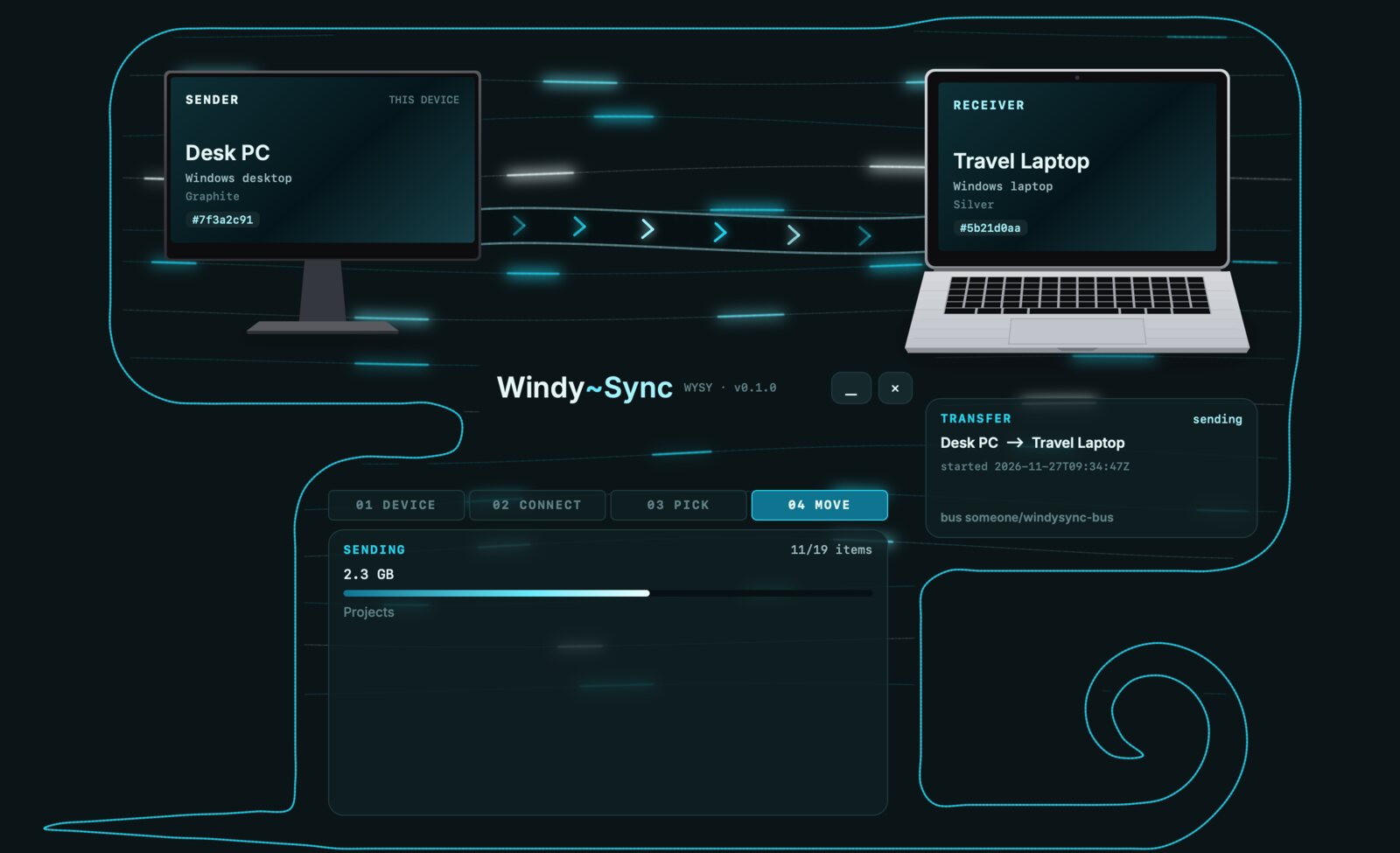 Project · Nov 27, 2026WindySync: Sync Your Windows setup across your PCs with your custom configurations.
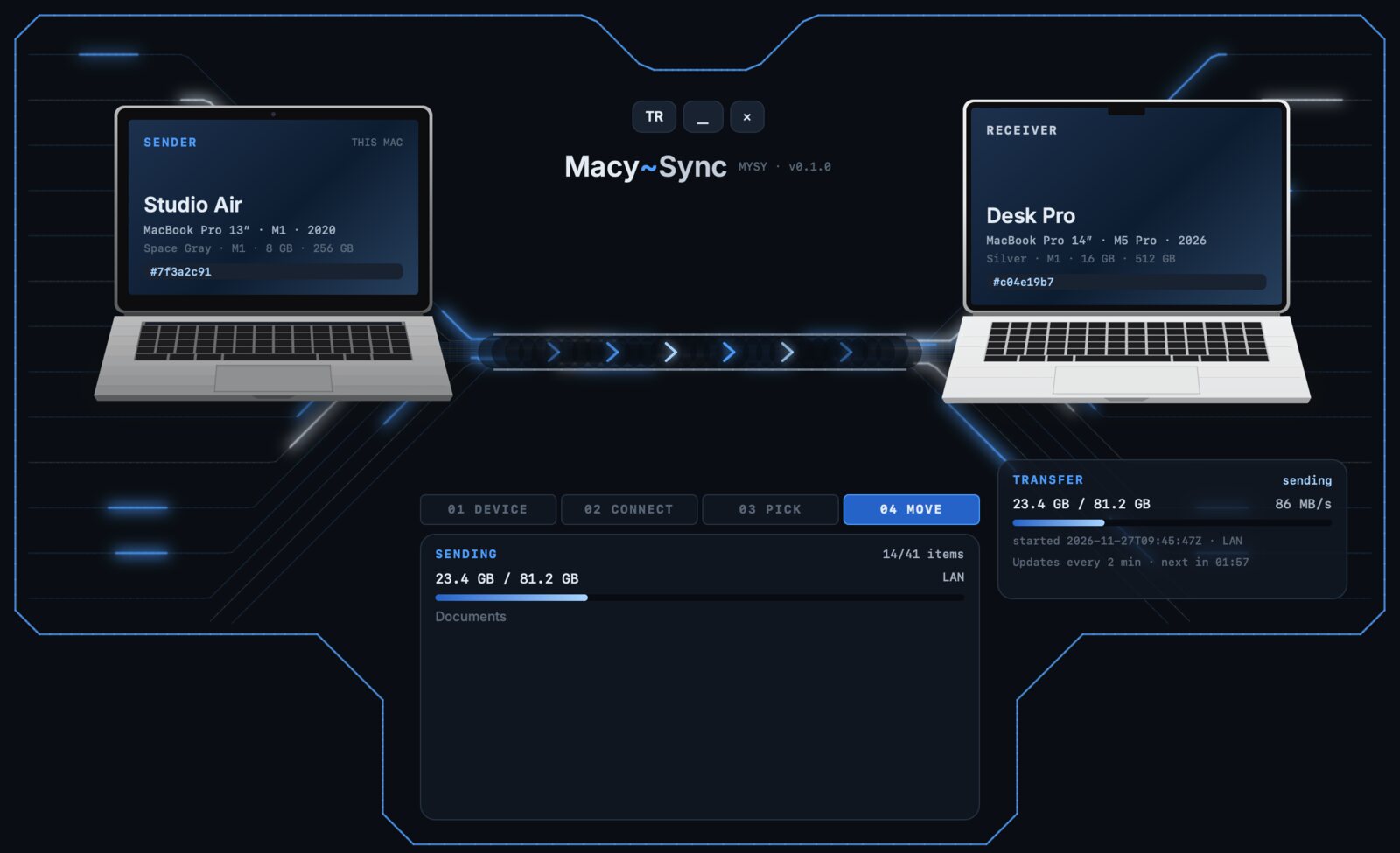 Project · Nov 27, 2026MacySync: Got fresh mac but feeling lazy to carry everything there? Dont worry we cover you for free!
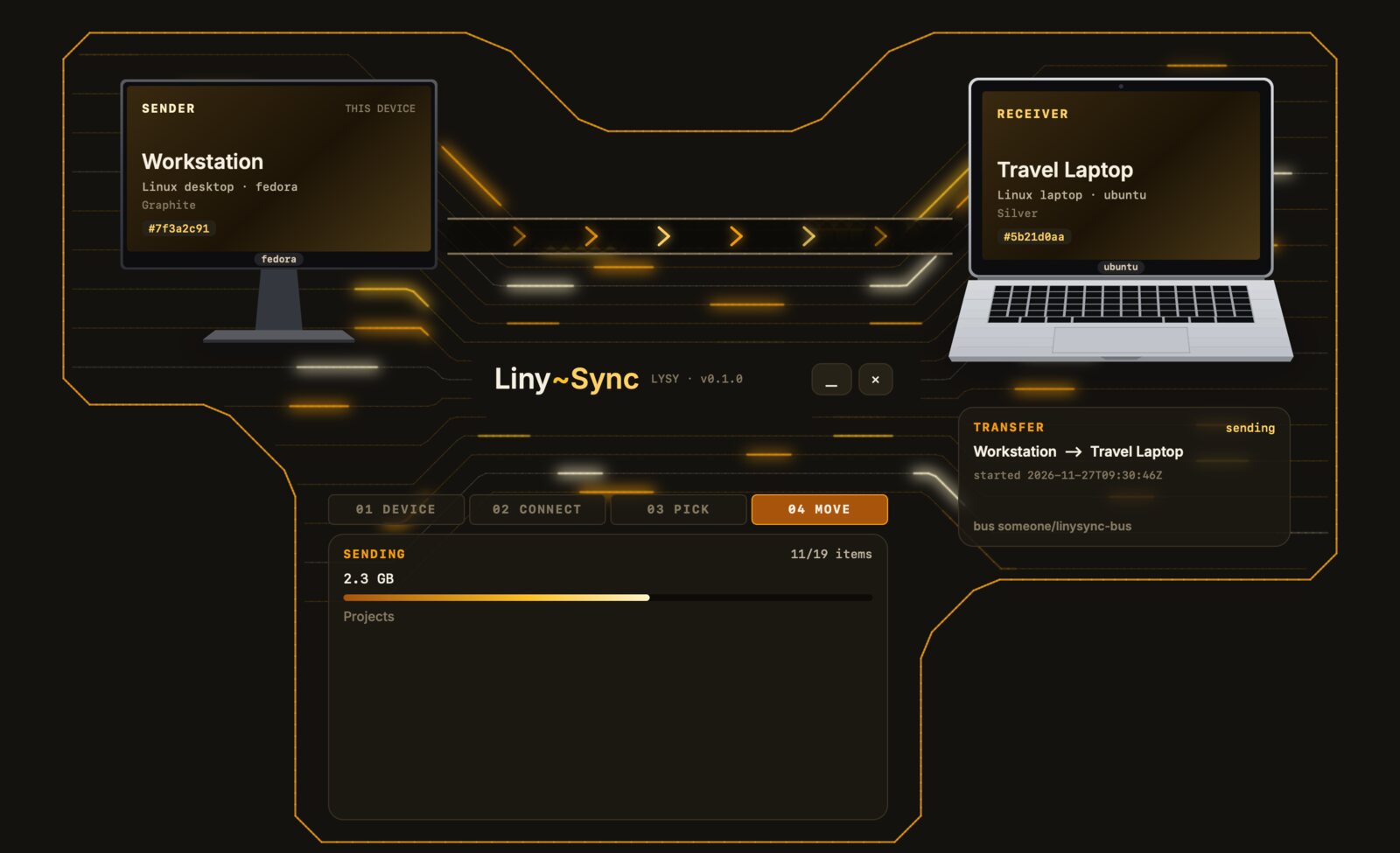 Project · Nov 27, 2026LinySync: Sync your Linux setup however you want with your other linux devices