Projectrustmacoswindowslinuxopen-sourceagentsmodernaiEnglishTürkçe
AnySync: NextGen OS Synchronization Between Every Operating System.
Moving from one Mac to another is one problem. Moving from a Windows desktop to a Linux laptop is a harder one: the same VS Code settings live in a different folder on each system, and many tools don't exist on the other side. AnySync moves a setup between macOS, Windows and Linux by item rather than by path, so each piece lands where the new system keeps it, and an AI agent finishes what can't be copied.

7 min read
 Project · Rust · macOS, Windows, Linux · Open source
Sync your setup, on any computer!
Moving from one Mac to another is one problem. Moving from a Windows desktop to a Linux laptop is a harder one: the same VS Code settings live in a different folder on each system, and many tools don't exist on the other side. AnySync moves a setup between macOS, Windows and Linux by item rather than by path, so each piece lands where the new system keeps it, and an AI agent finishes what can't be copied.
The short version and all the links
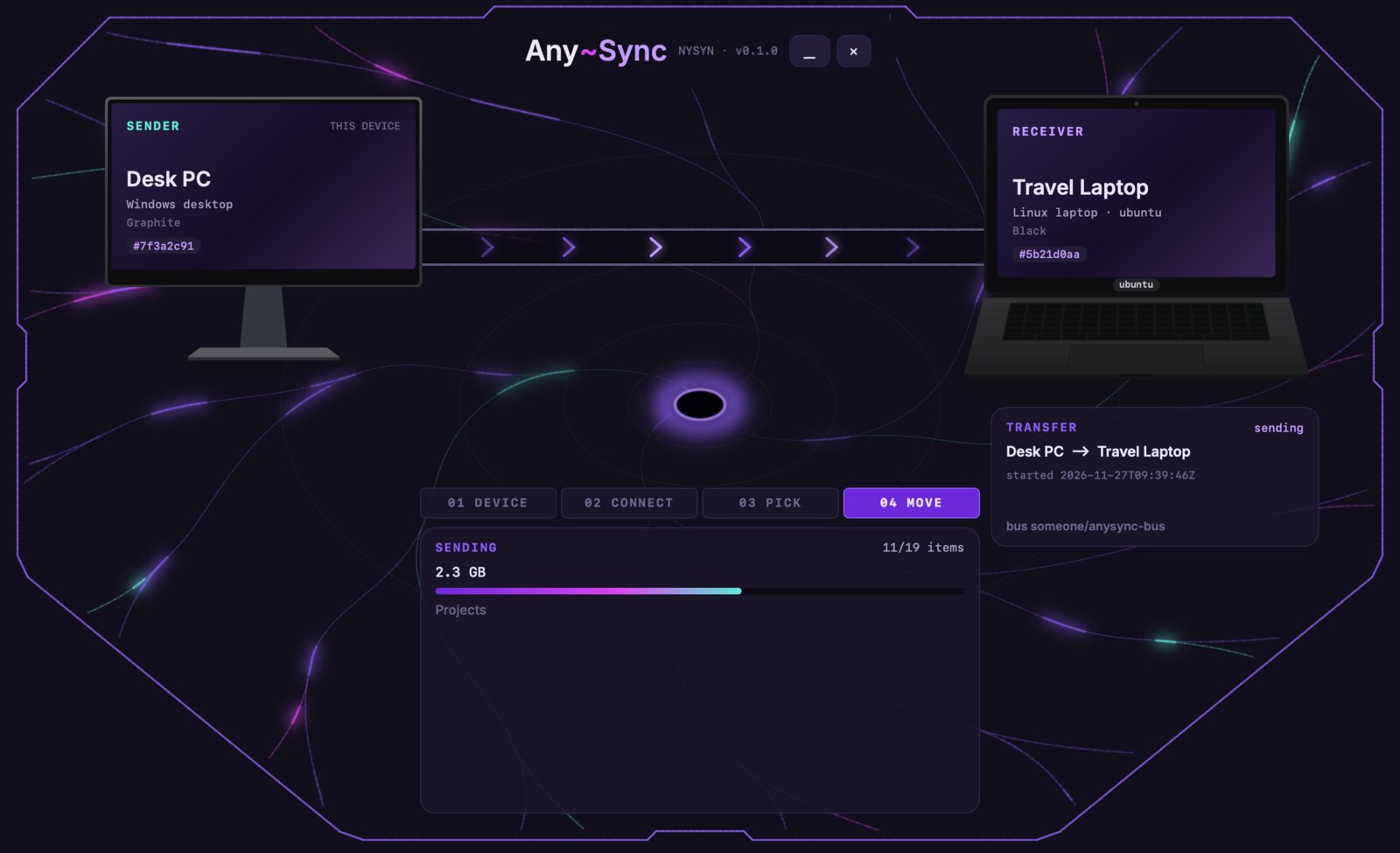
- AnySync moves a working setup between macOS, Windows and Linux, in any pair and either way: git config, SSH and GnuPG keys, shell profiles, editor settings, bookmarks, your folders, and lists of installed tools.
- Items travel by name, not by path. VS Code's settings are one item that knows its folder on each system, so they land where the new one keeps them. An item with no place on the other system says so.
- The two devices meet in a private GitHub repo of yours. Only the handshake goes there, sealed. The files go device to device over your network, end-to-end encrypted.
- At the end the receiver writes
GOAL.md: what landed where, which paths to rewrite for the new system, and the lists of tools for your AI agent to install with this system's package manager. - Free and open source (MIT), one Rust program with a window and a command line. Version 0.1.0, the first release.
- Websiteanysync.vercel.app
- DownloadDownload page
- SourceGitHub repo
- DocsHow it works
- FeaturesEverything it moves
- ChangelogWhat changed
The problem
Same-system moves have a shortcut: copy a folder, and it lands at the same path. Across systems that shortcut is gone. One item, three homes:
| Item | macOS | Windows | Linux |
|---|---|---|---|
| VS Code settings | ~/ | %APPDATA%\ | ~/ |
| GnuPG | ~/ | %APPDATA%\ | ~/ |
| Chrome bookmarks | ~/ | %LOCALAPPDATA%\ | ~/ |
| PowerShell profile | ~/ | ~/ | ~/ |
| Videos | ~/ | %USERPROFILE%\ | ~/ |
And some things don't cross at all. A .zshrc has nowhere to go on Windows. Apps built for one system don't run on another. Browser passwords are sealed with a key the old system holds. A tool that copies folders can't know any of that.
Items, not paths
So every item AnySync knows has a logical id, like editors/vscode, and a list of real paths for each system. The sender packs each item under its id, never under its own paths. The receiver unpacks into a staging folder and moves each part to its own path for that item. Whatever was already there is kept next to it as <name>.before-anysync.
An item is only offered when the receiver's system has a place for it, and the offer carries every system's paths, so a receiver with an older or newer catalogue still places it right. When the home folders or the systems differ, the brief says which configs still name the old home, so C:\Users\ege\proj can become /home/ege/proj, separators and all, with a copy of each file kept before it changes.
Two devices, one private repo
On first run AnySync gives the device a random eight digit id, a key pair and a look, keeps them in ~/.config/anysync (%APPDATA%\anysync on Windows), and makes a private repo on your GitHub account, <login>/anysync-bus. Each device registers there with its system and its public key.
you/anysync-bus/                  private
├── devices/
│   ├── 7f3a2c91.json             name, system, look, public key
│   └── 5b21d0aa.json
├── requests/                     send or receive, to approve
└── transfers/
    └── 20261126-1605_7f3a2c91_5b21d0aa/
        ├── session.json          progress
        ├── offer.sealed          what the sender offers
        ├── picks.sealed          what the receiver takes
└── key.sealed stream key and addressGitHub only introduces the two devices. The offer, the picks and the stream key are sealed to the other device's key before they are written, so the repo holds nothing readable about what you move, and your files never go there at all. AnySync doesn't keep a GitHub login of its own: it asks the GitHub CLI for it each time.
Find, ask, pick
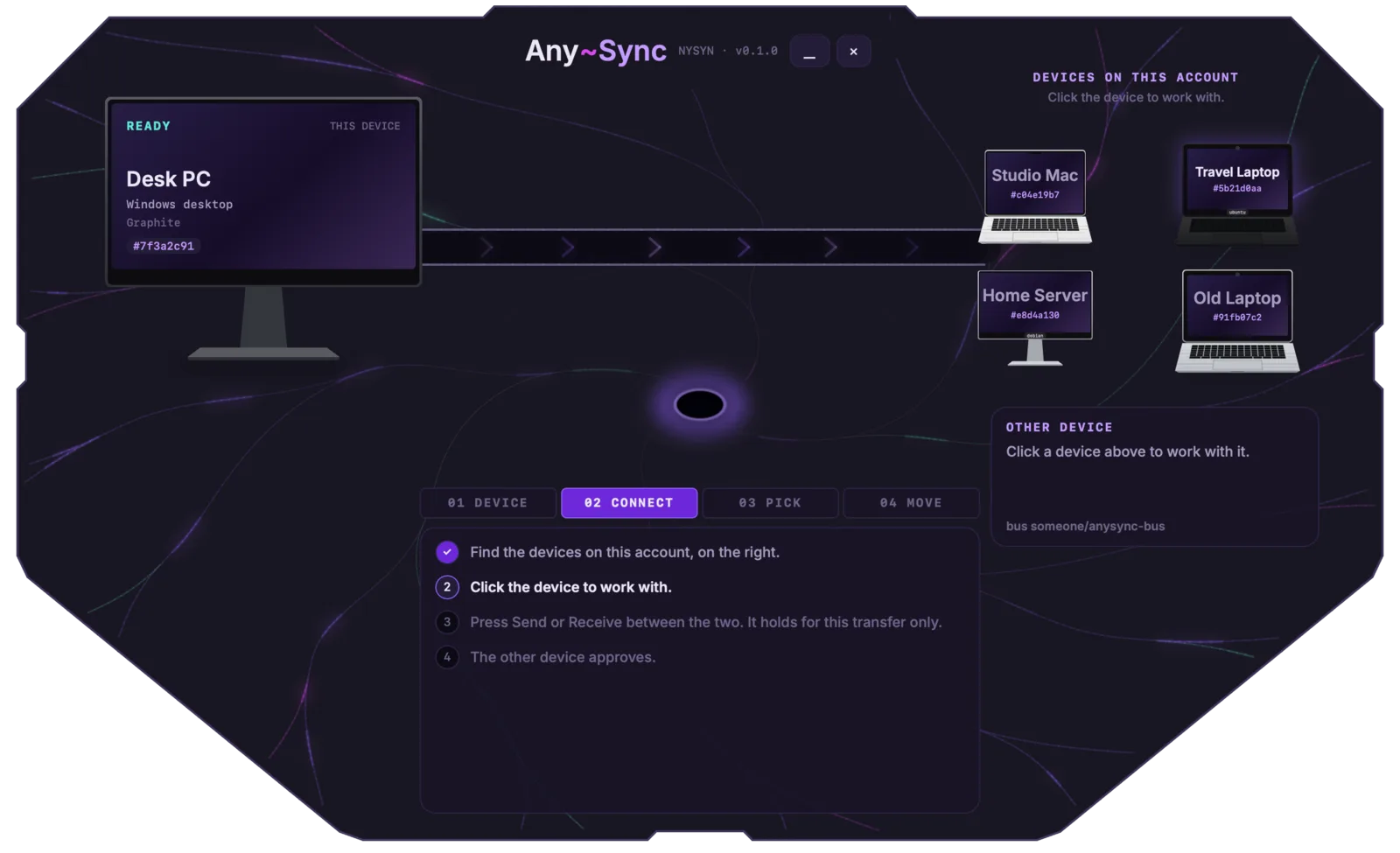
Each device draws itself in its own system's look, all original shapes with no company logos: a MacBook drawing for a Mac laptop, a monitor or a laptop for Windows, and a laptop or a monitor with the distro's name on a small badge for Linux. The device running the app is always on the left, the other on the right.
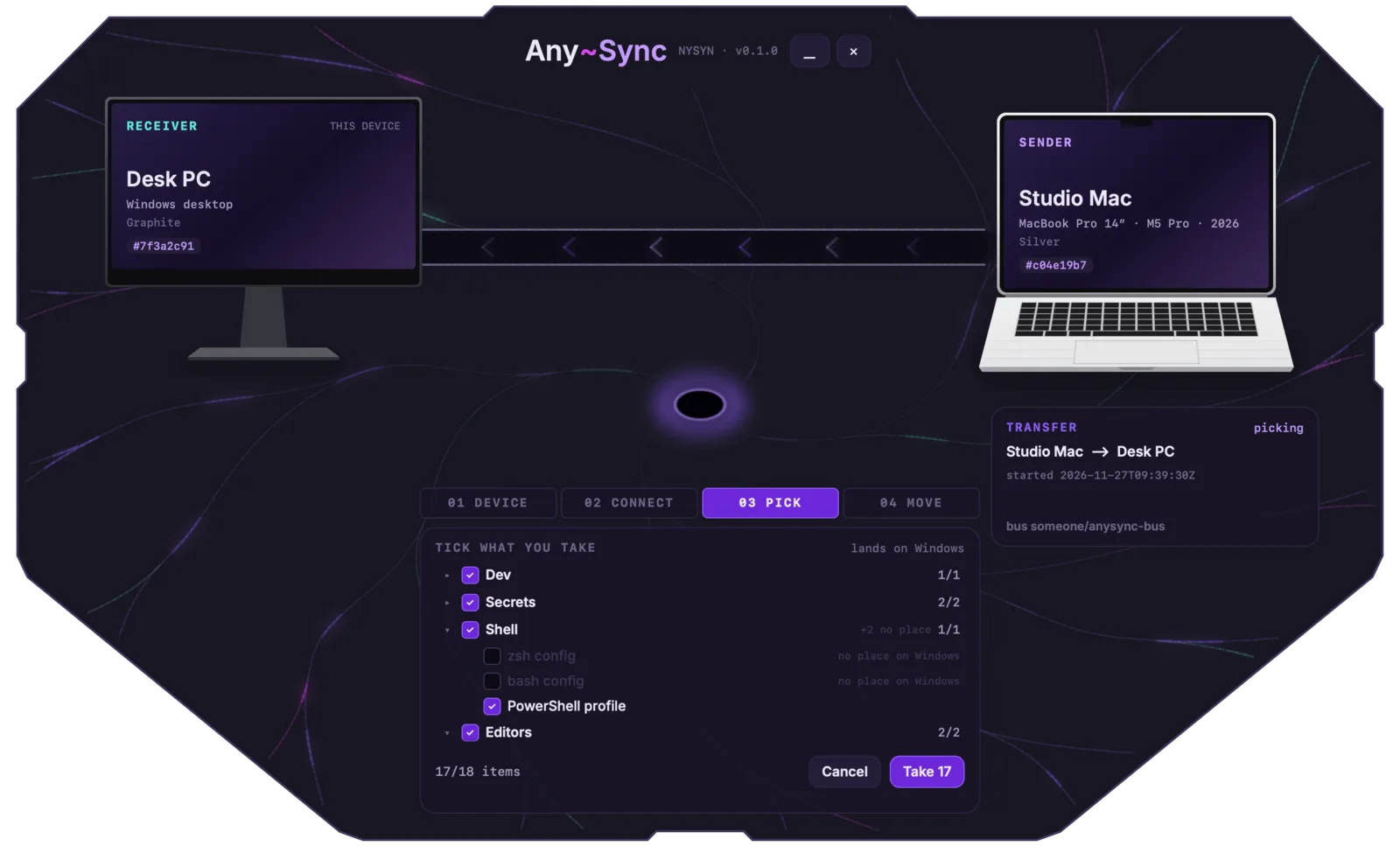
On the Connect tab, Find devices on this account lists the rest. Click one, then press Send or Receive. Any system sends and any system receives; the direction holds for this transfer only, and the other device shows a request its owner approves or declines before anything moves. Then the sender offers a tree of what it has, grouped by kind, and the receiver ticks what it takes.
Straight across, through the vortex
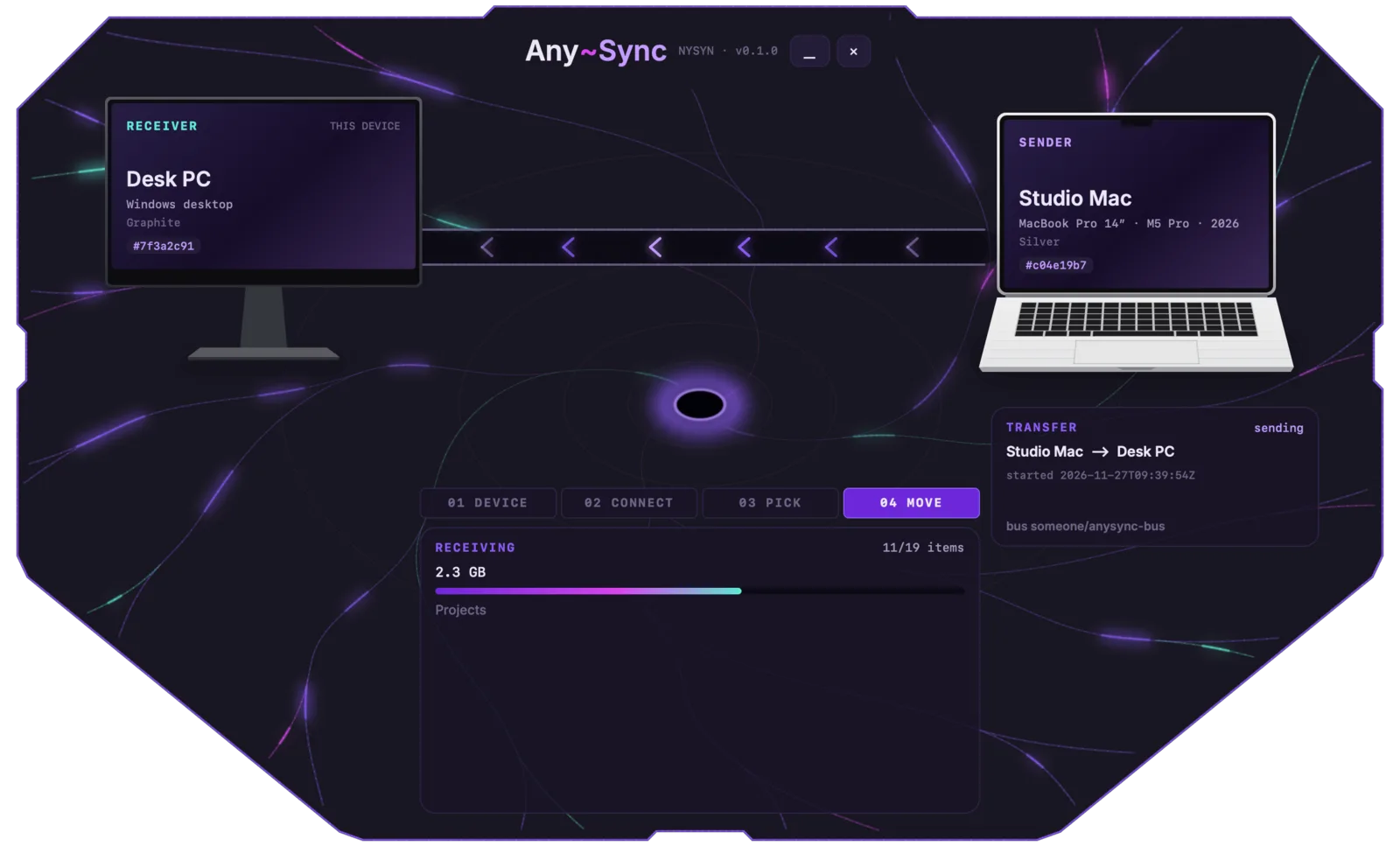
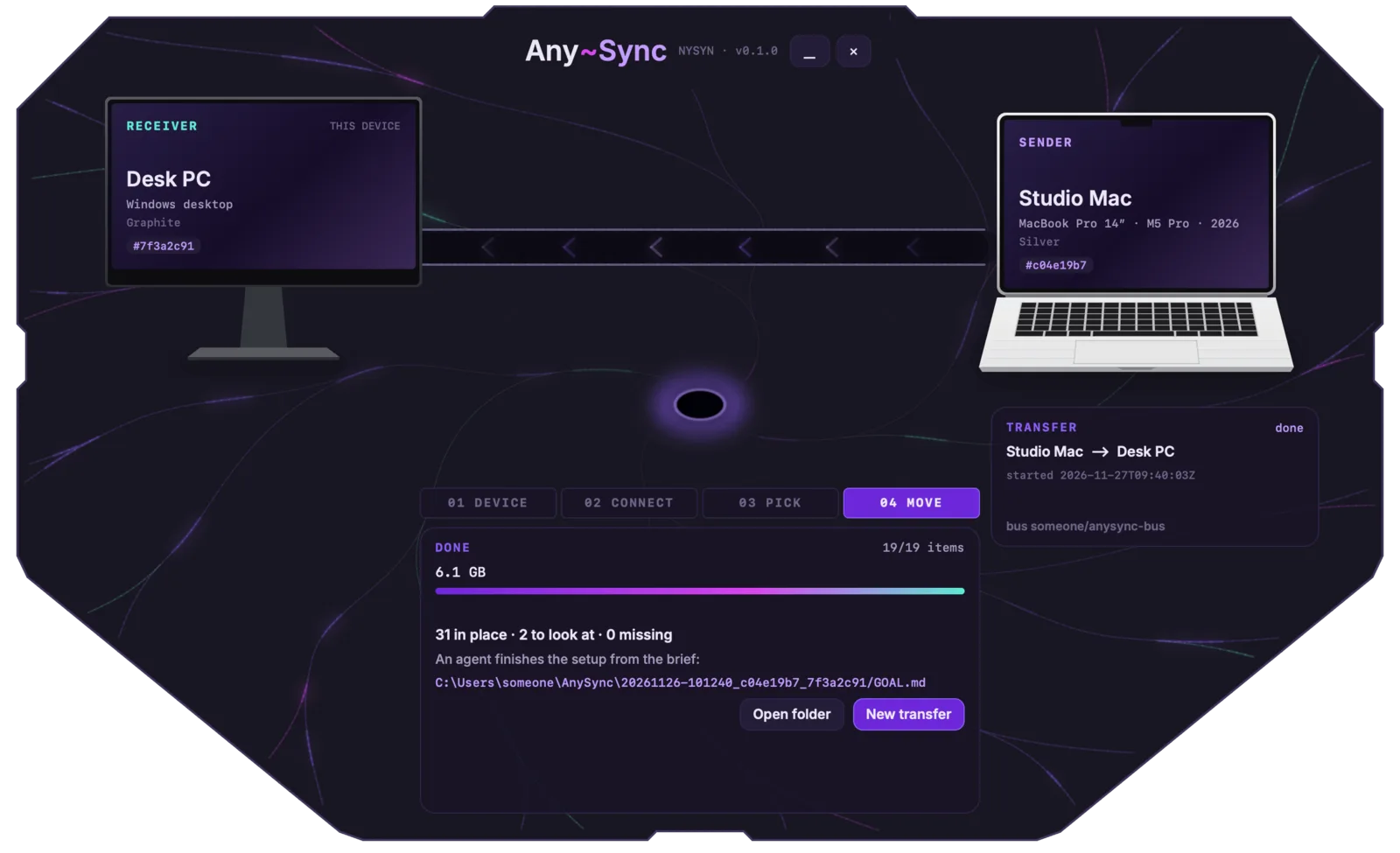
The files go over TCP between the two devices, as tar inside an XChaCha20-Poly1305 stream under a random key that only those two know. Every frame is authenticated, so a wrong key gets nothing, and a cut stream fails instead of quietly ending early. A minute without a byte counts as a cut, and the receiver asks again for whatever has not arrived, up to 20 times. For now the two devices need to be on the same network, so they can reach each other directly.
The window shows which way it is going. It is a symmetric, angular frame, and its background lines fall into a vortex in the open middle. While this device sends, the lights run in from the edges and into the hole; while it receives, they come out of it and run to the edges.
Tools cross as lists
One system's programs don't run on another, so nothing installed is copied. Instead the sender's own package managers write down what they installed: Homebrew on macOS (and Linux), winget and Scoop on Windows, apt, dnf, pacman, Flatpak and Snap on Linux, and npm, cargo, pipx and the VS Code and Cursor extension lists everywhere. The text goes across, and your agent installs each tool with the receiving system's manager, skipping libraries that other packages pull in, and writes down what has no match.
A brief your agent finishes
When everything is in place, the receiver writes GOAL.md into the transfer's folder, ~/AnySync/<transfer>. It starts with the crossing itself (the old home folder on the old system, the new one on this system), then lists every item, where it landed, any problems, and what is left for each. The lists sit next to it in lists/. Hand it to whichever agent you use:
cd ~/AnySync/<transfer> && claude "Read GOAL.md in this folder and do what it says."On a Mac receiver, AnySync also writes preflight.sh when the picks need tools: it installs Apple's command line tools, Homebrew and Node where they are missing, Node without sudo. The brief ends with what "done" means: every item works, or is in TODO-FOR-YOU.md with steps, and REPORT.md says what was done per item.
What crosses, and what can't
- Moves: Desktop, Documents, Downloads, Pictures, Music and Videos, each top-level item on its own (macOS's Movies is Videos elsewhere); git config, SSH keys, GnuPG, zsh, bash and PowerShell profiles; VS Code, Cursor and Zed settings, Wave's config; Obsidian's vault list; bookmarks of Chrome, Brave, Edge and Chromium; Claude Code's settings, skills, agents and commands, and Codex's config.
- Stays: the apps themselves. They are installed again from the lists.
- Stays: passwords saved in browsers. They are sealed with a key the system holds (macOS keychain, Windows DPAPI, Linux secret service). Use the browser's own sync or its password export.
- Stays: system settings and the machine's identity, like a Tailscale node or remote desktop ids. Logins are done again on the new computer.
How it is built
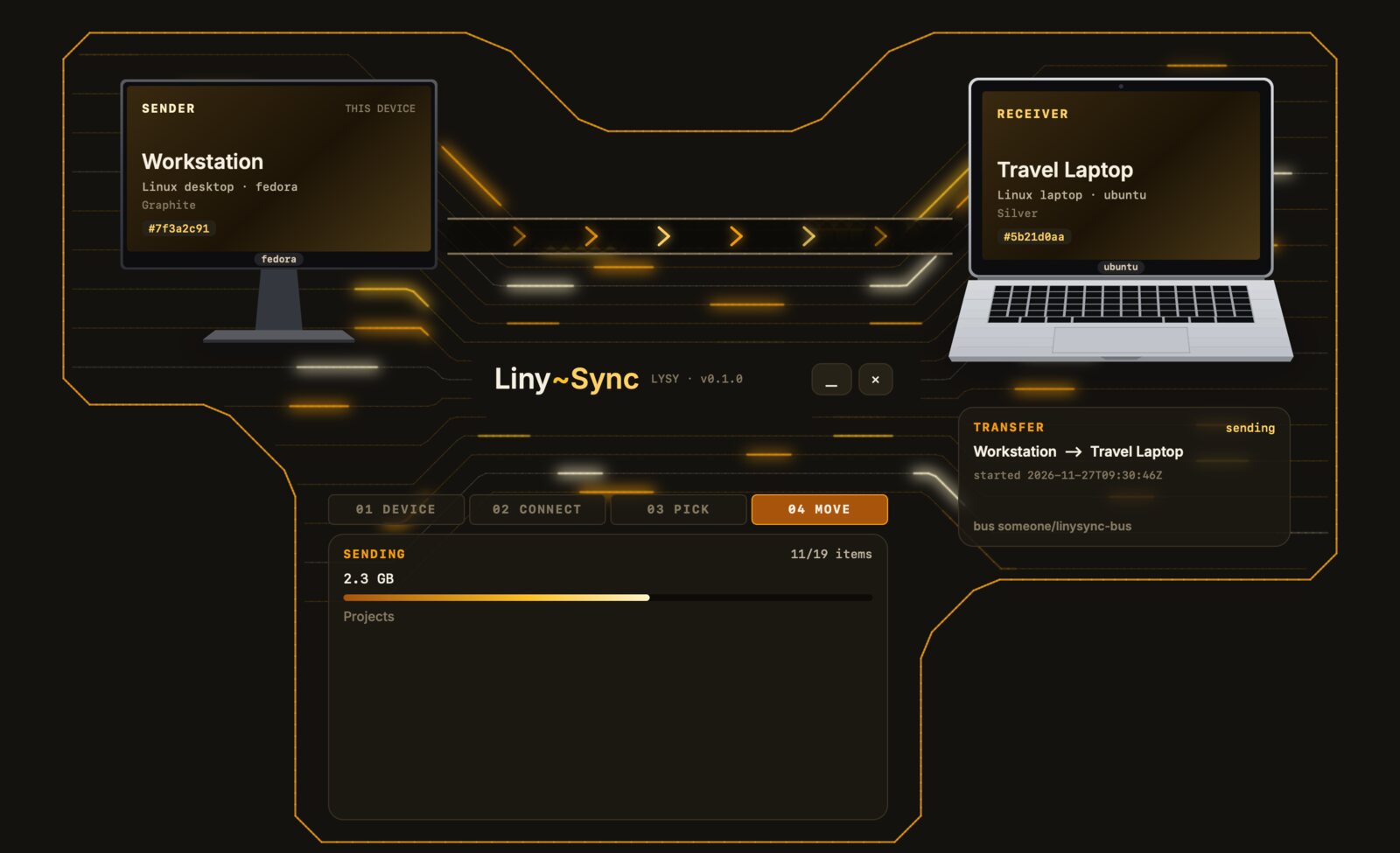
AnySync is the cross-system member of a family. MacySync, WindySync and LinySync go deeper between machines of the same kind; WindySync and LinySync are this engine with a single system in its list. WavySync keeps Wave Terminal the same on every computer.
It is one Rust program, the same window on all three systems, drawn with Rune. The same program works from a terminal:
anysync                            open the window
anysync --scan                     what this device could send
anysync --give <id> [--only a,b]   ask device <id> to receive, then send
anysync --accept [--only a,b]      approve the request waiting here, then do this side
anysync --id this device's id, name and lookWithout --only the receiver takes everything that has a place on its system.
Try it
Version 0.1.0 is the first release, with builds for macOS, Windows and Linux on the download page. It needs the GitHub CLI signed in (gh auth login) on both devices. On macOS, an unsigned build needs xattr -d com.apple.quarantine ./anysync once; on Linux the window needs the usual X11 or Wayland libraries. It is early, and crossing systems has more corners than staying on one, so reports from real moves are especially welcome on GitHub.
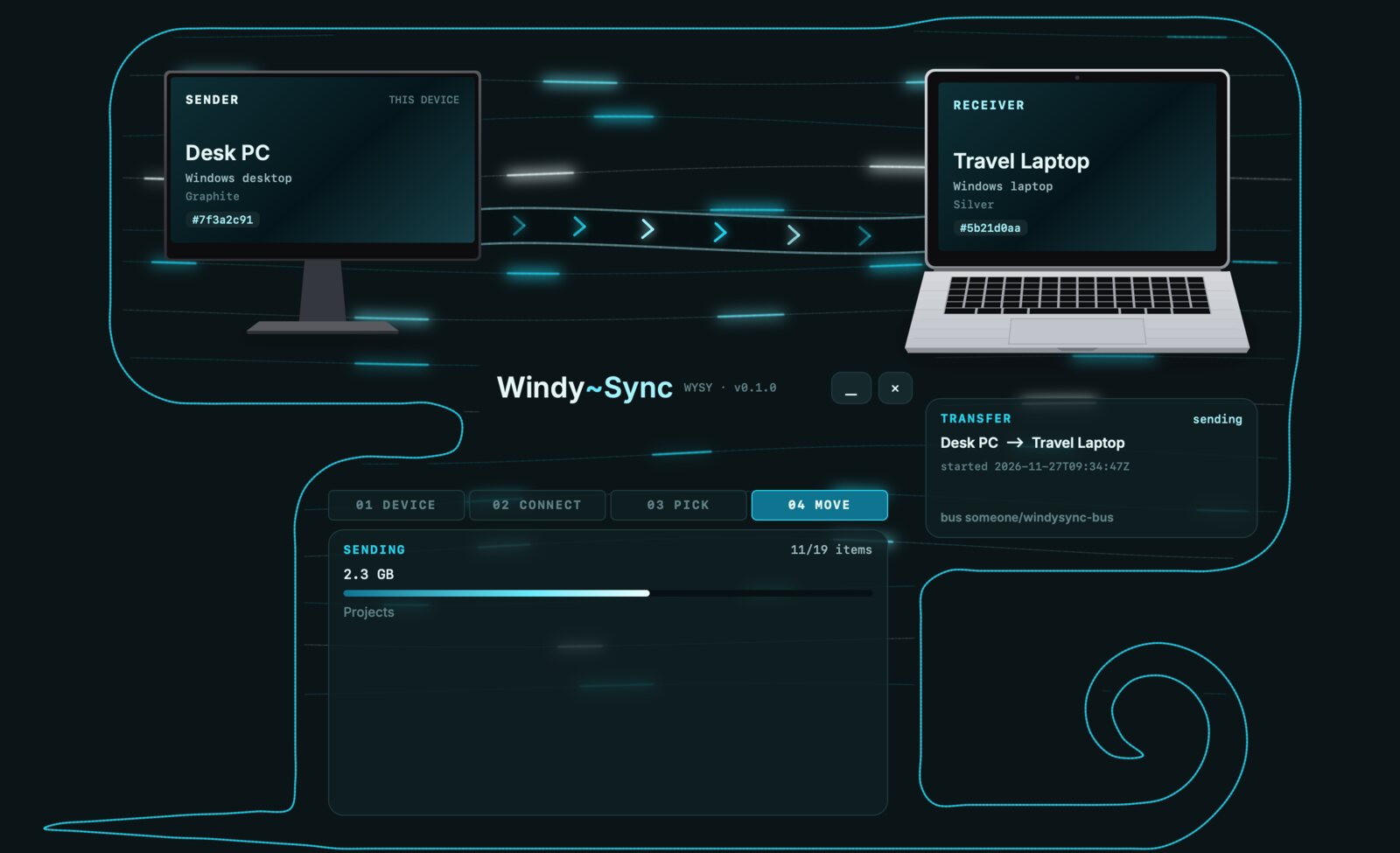 Project · Nov 27, 2026WindySync: Sync Your Windows setup across your PCs with your custom configurations.
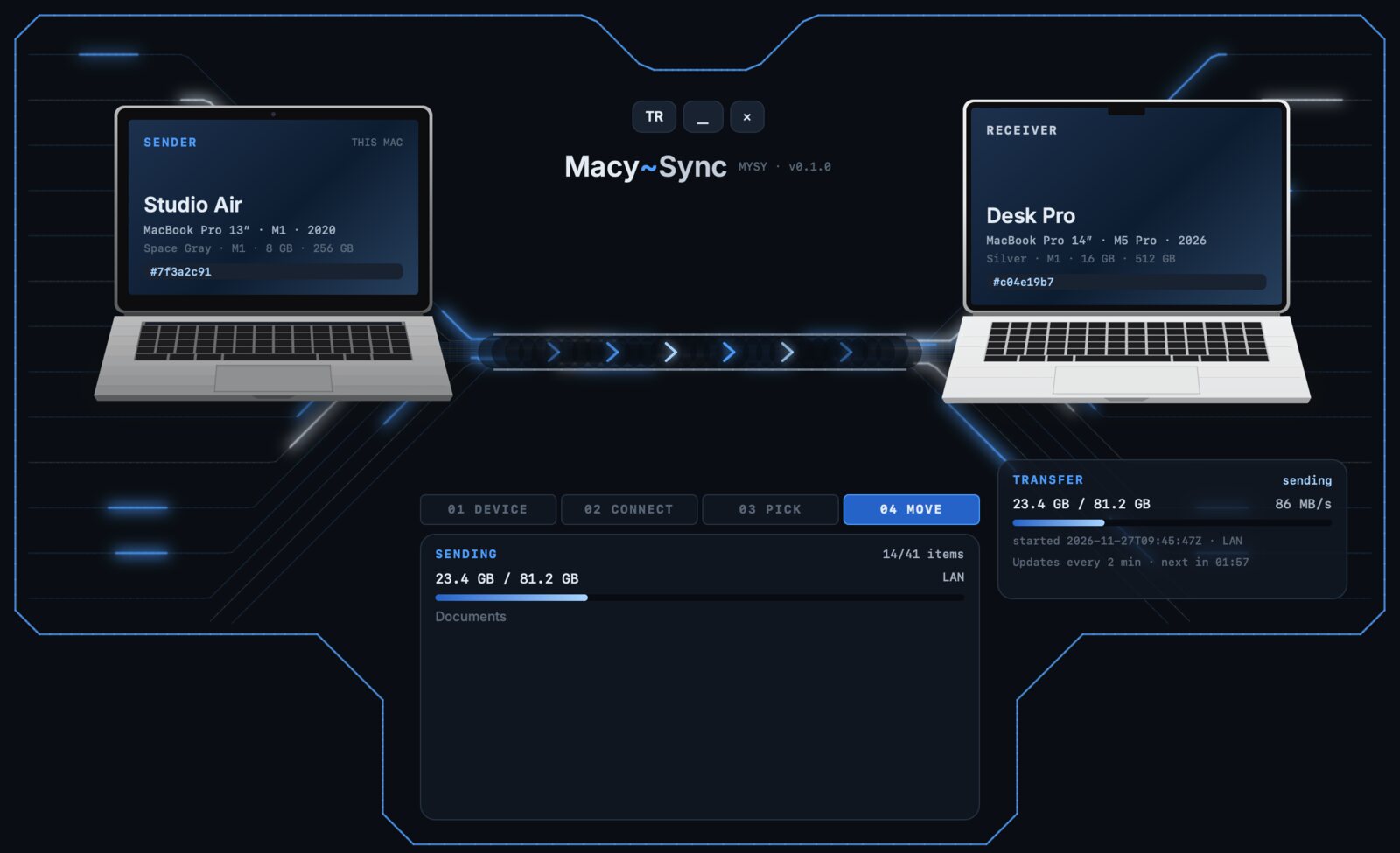 Project · Nov 27, 2026MacySync: Got fresh mac but feeling lazy to carry everything there? Dont worry we cover you for free!
 Project · Nov 27, 2026LinySync: Sync your Linux setup however you want with your other linux devices